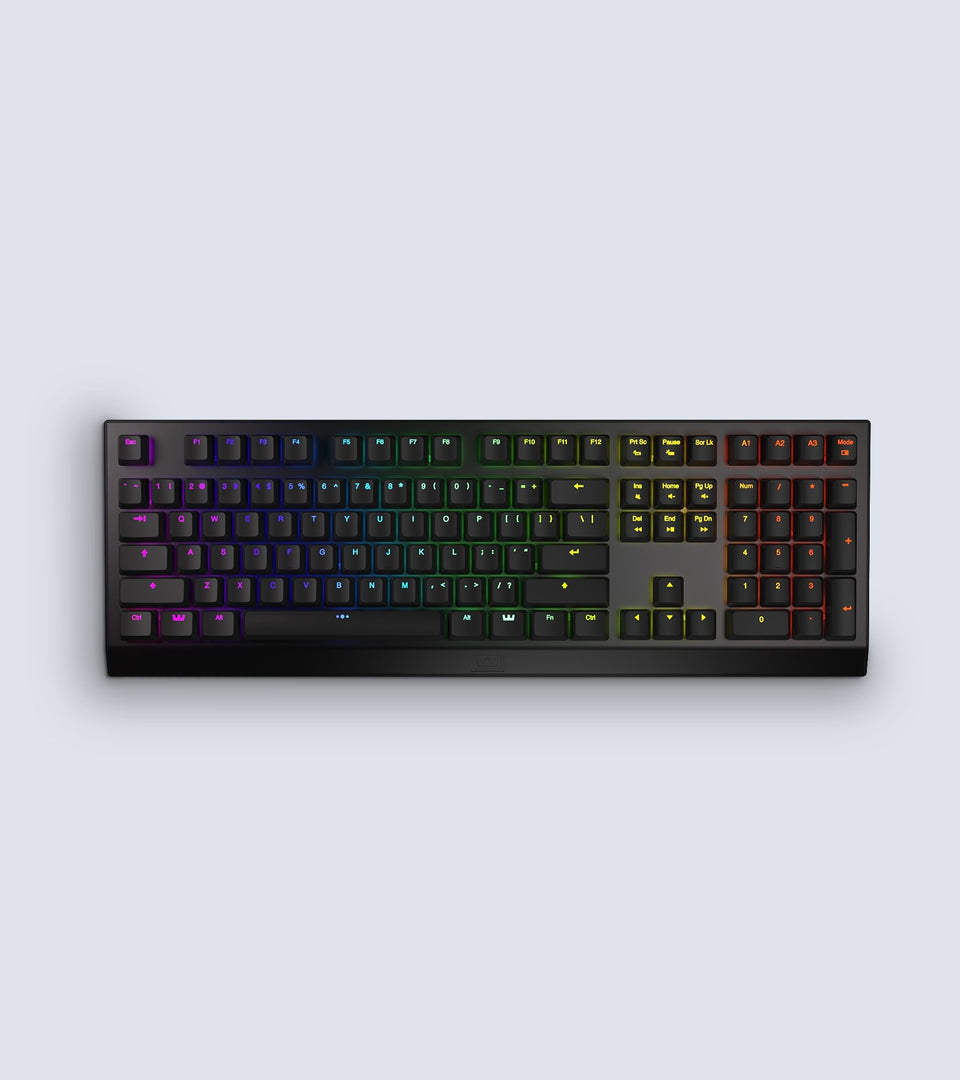
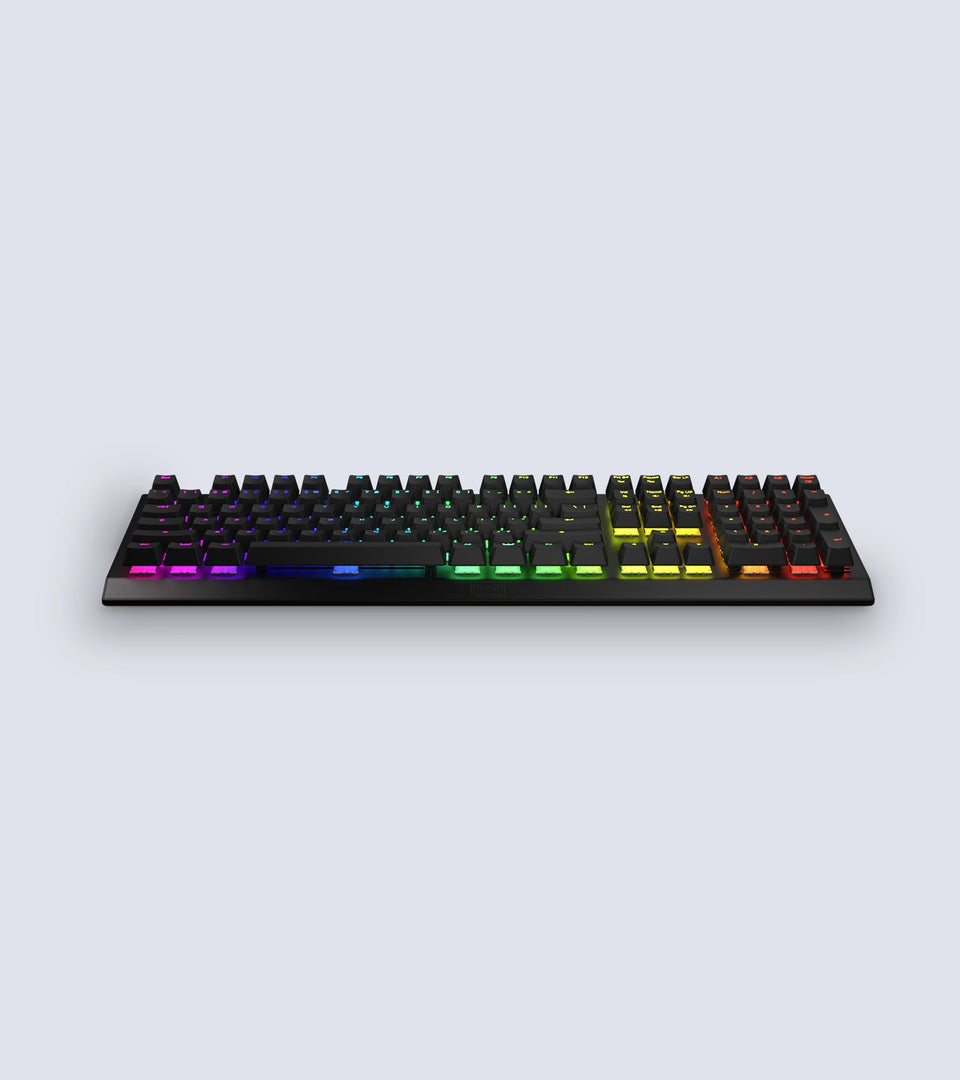
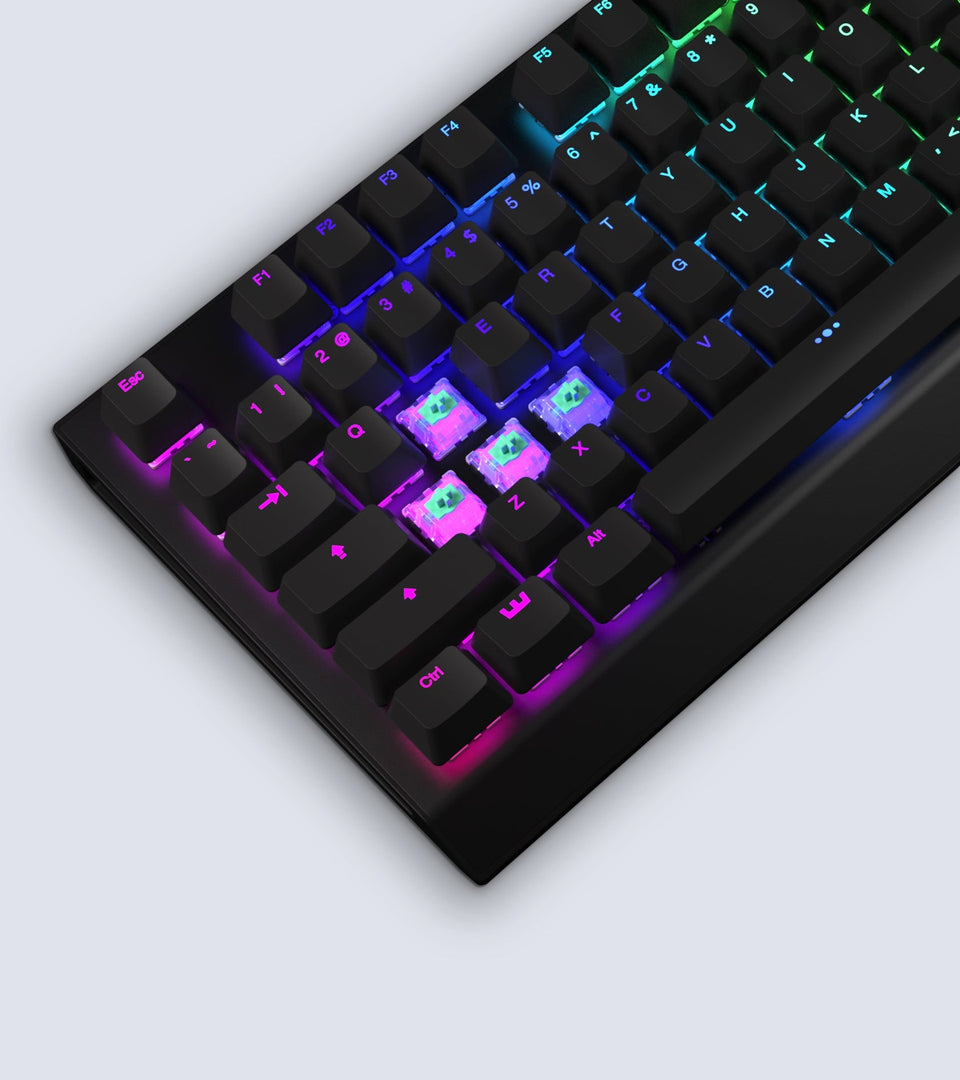
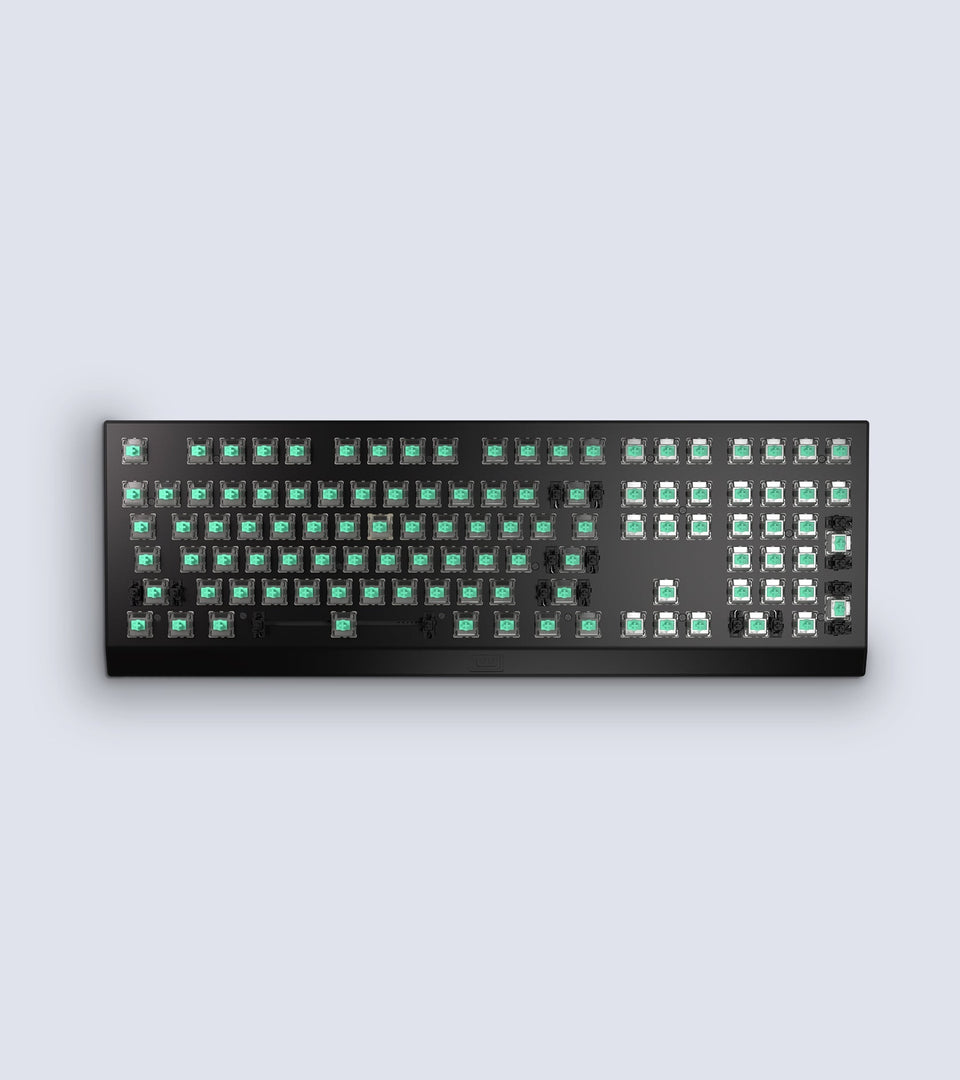
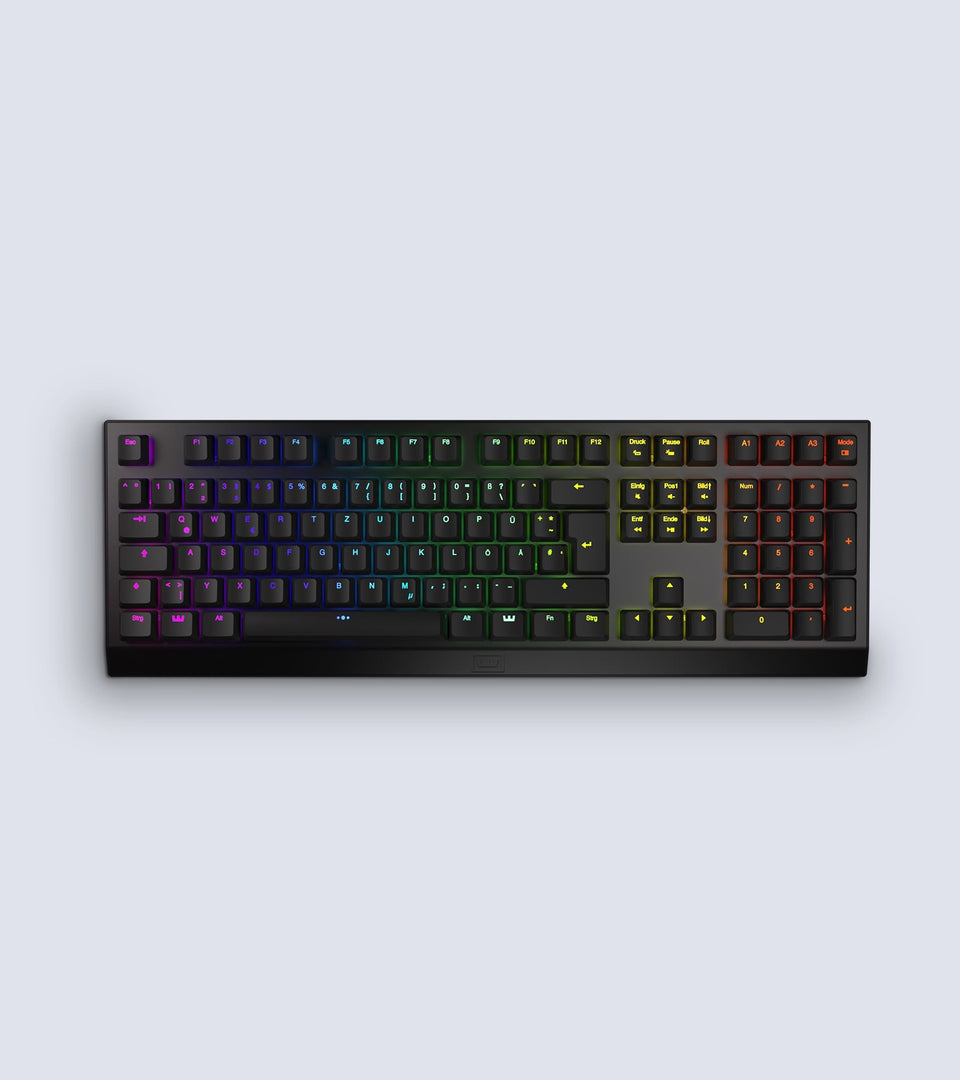
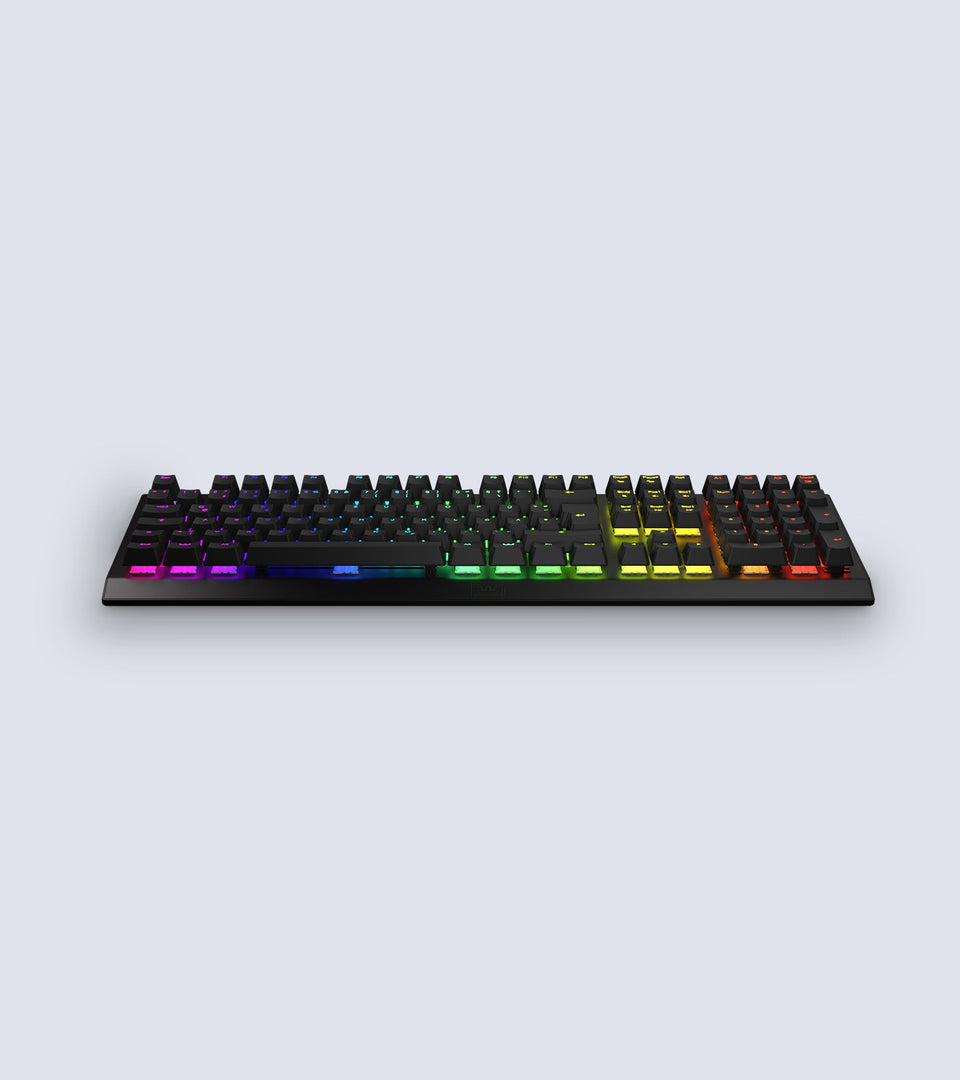
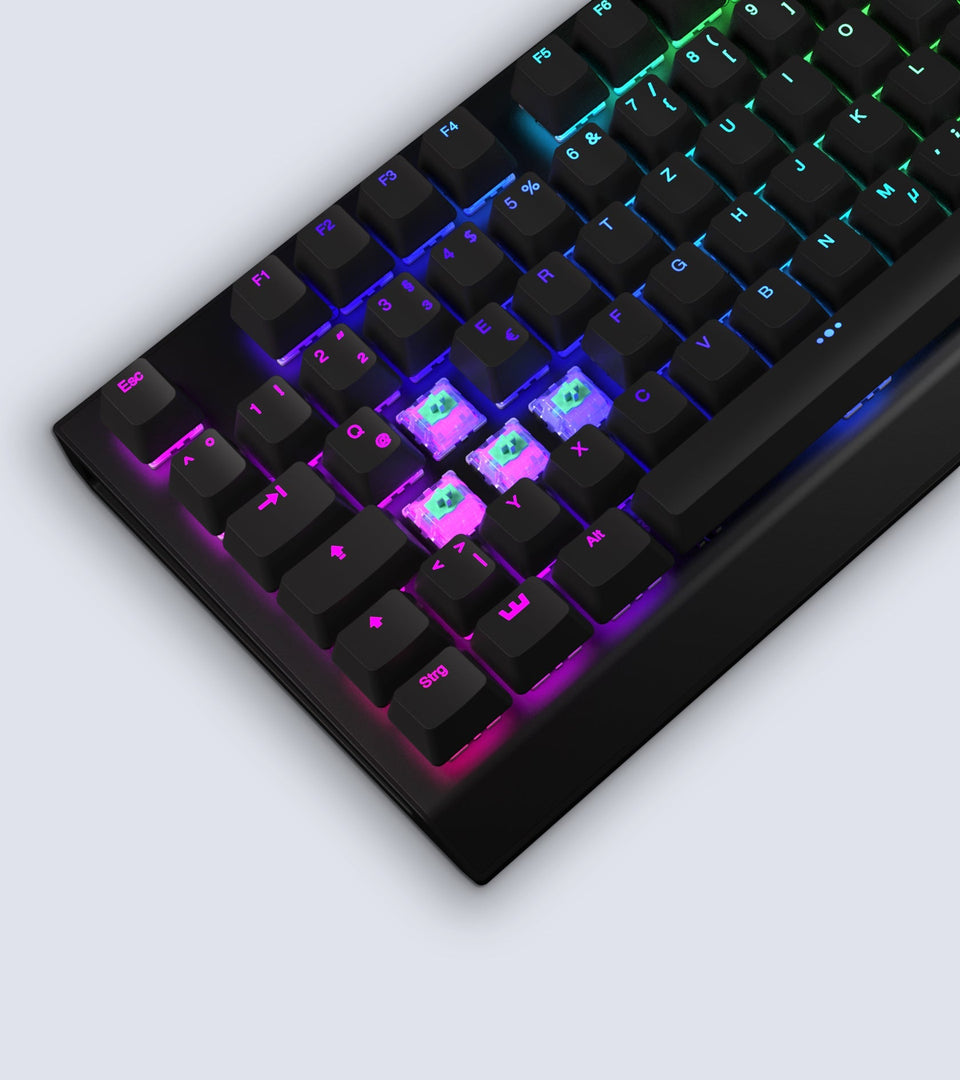
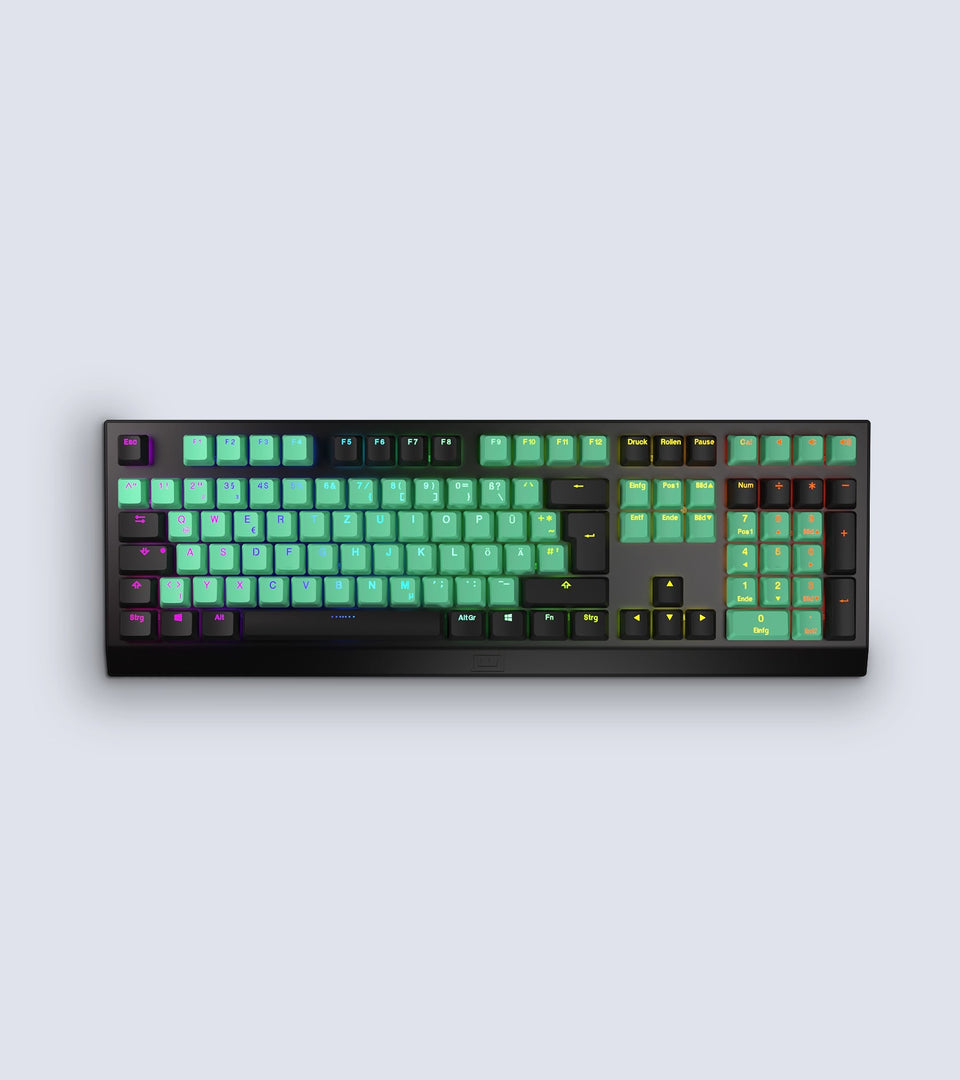
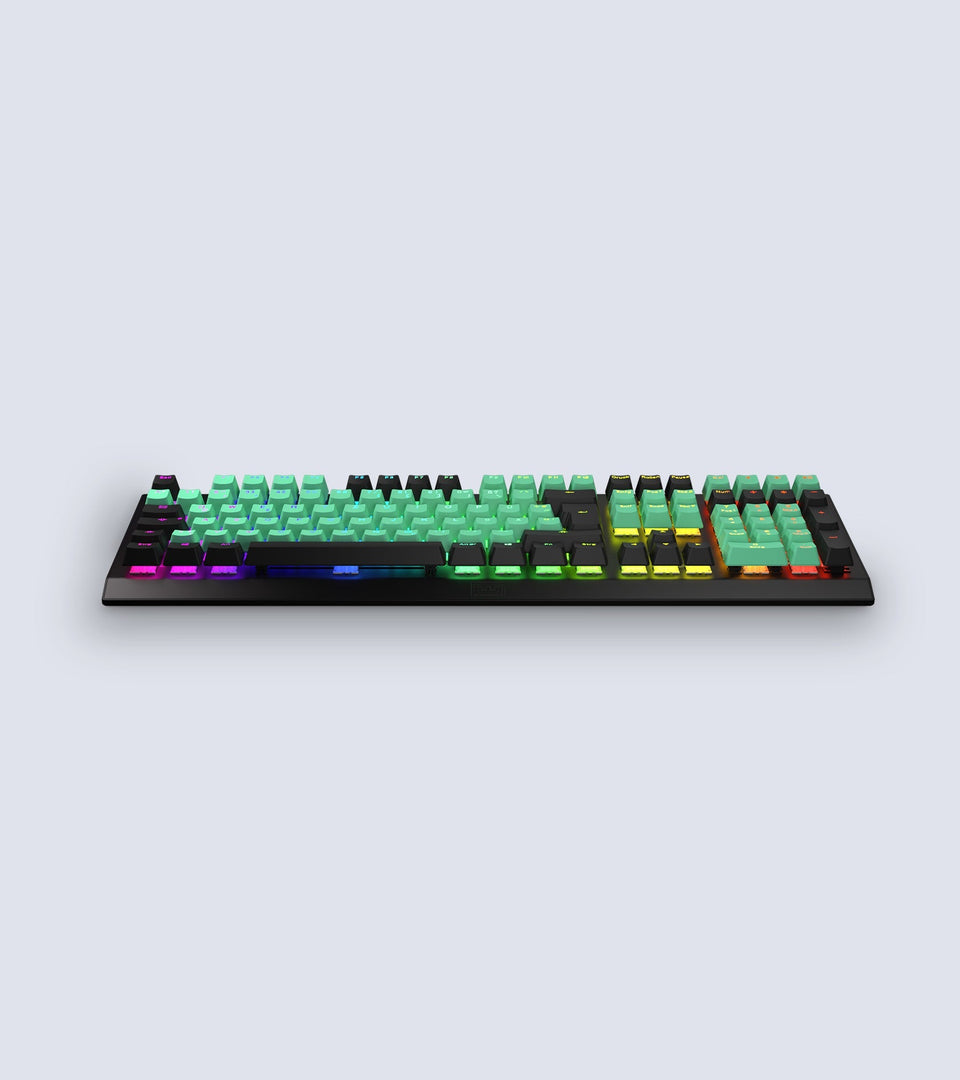
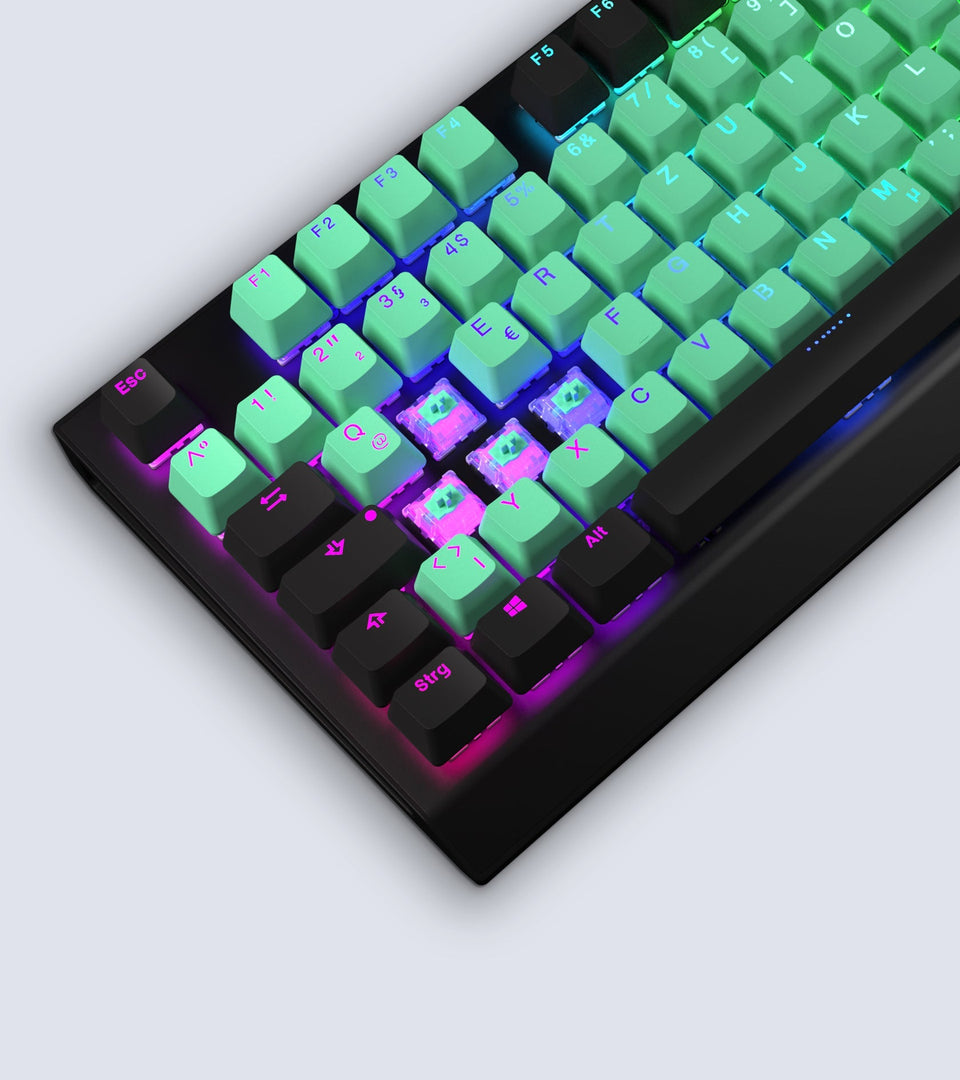
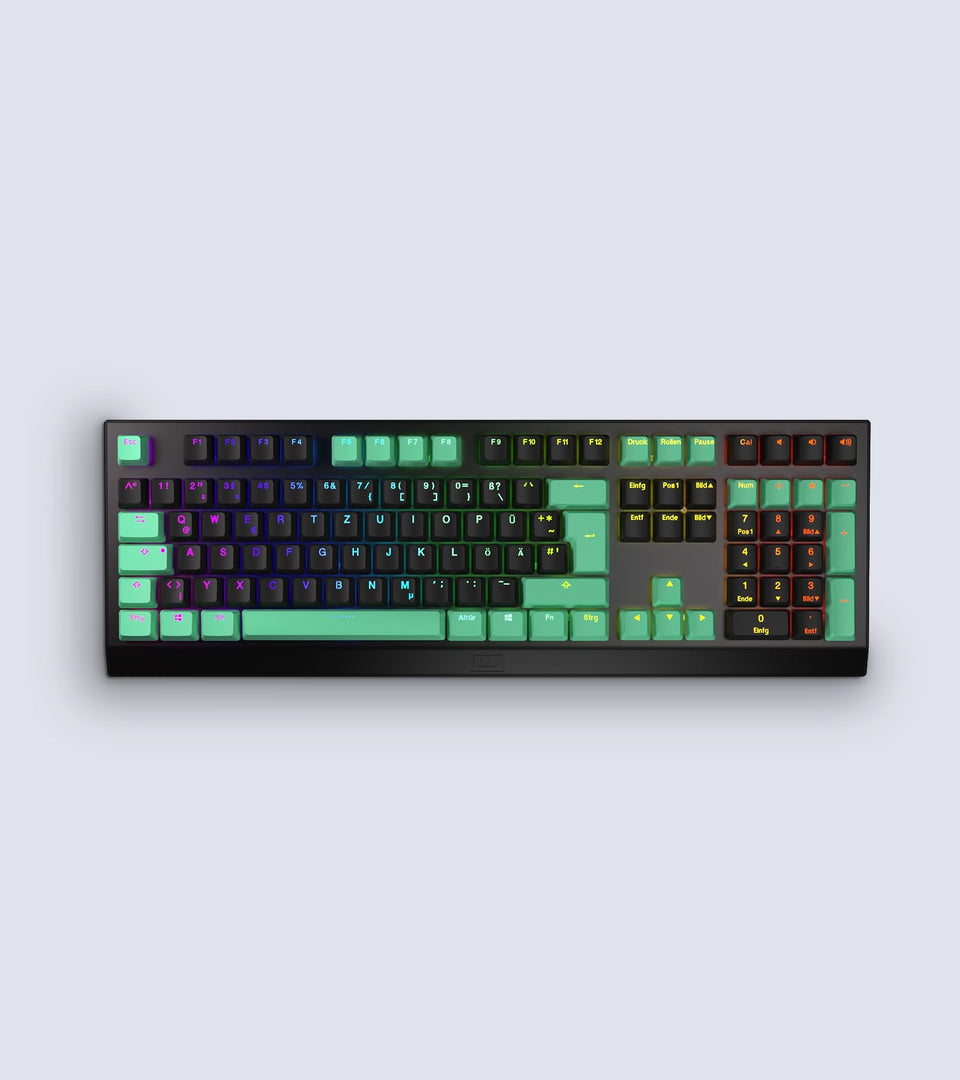
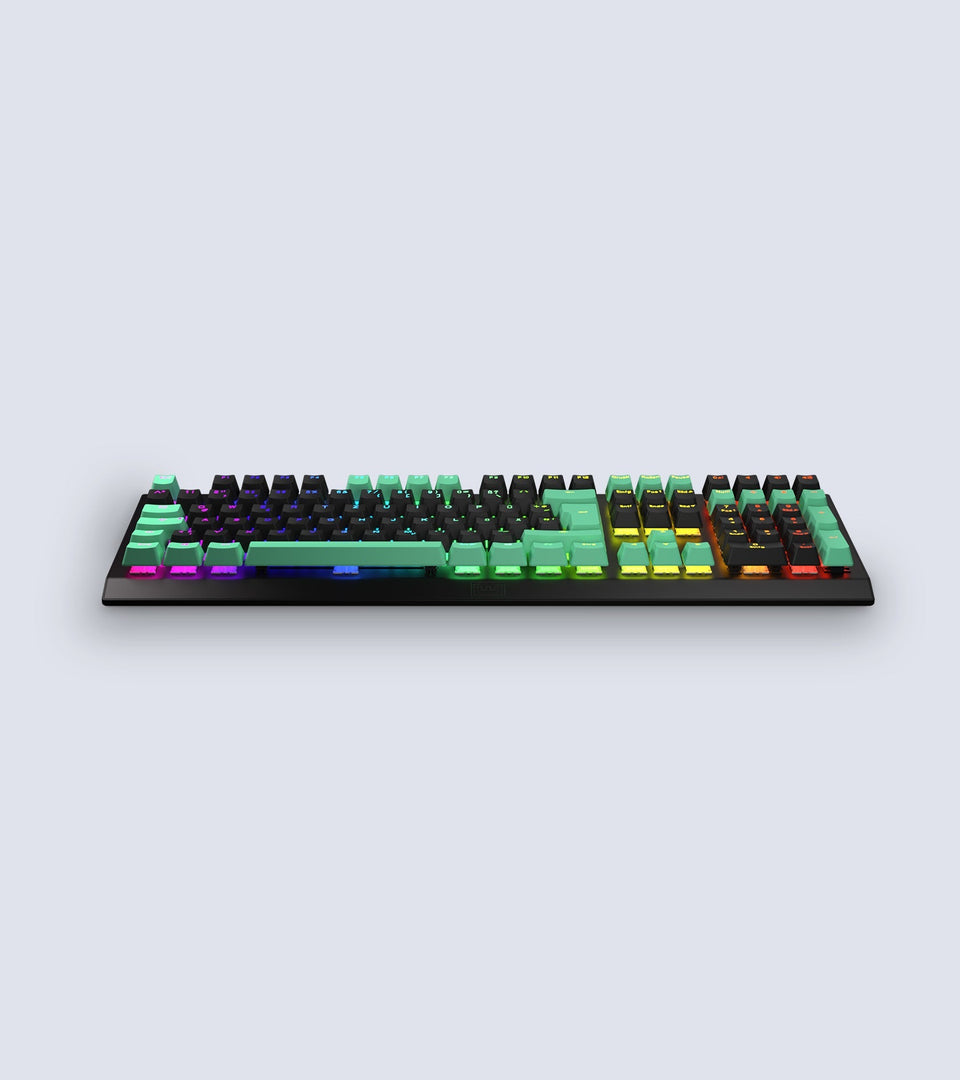
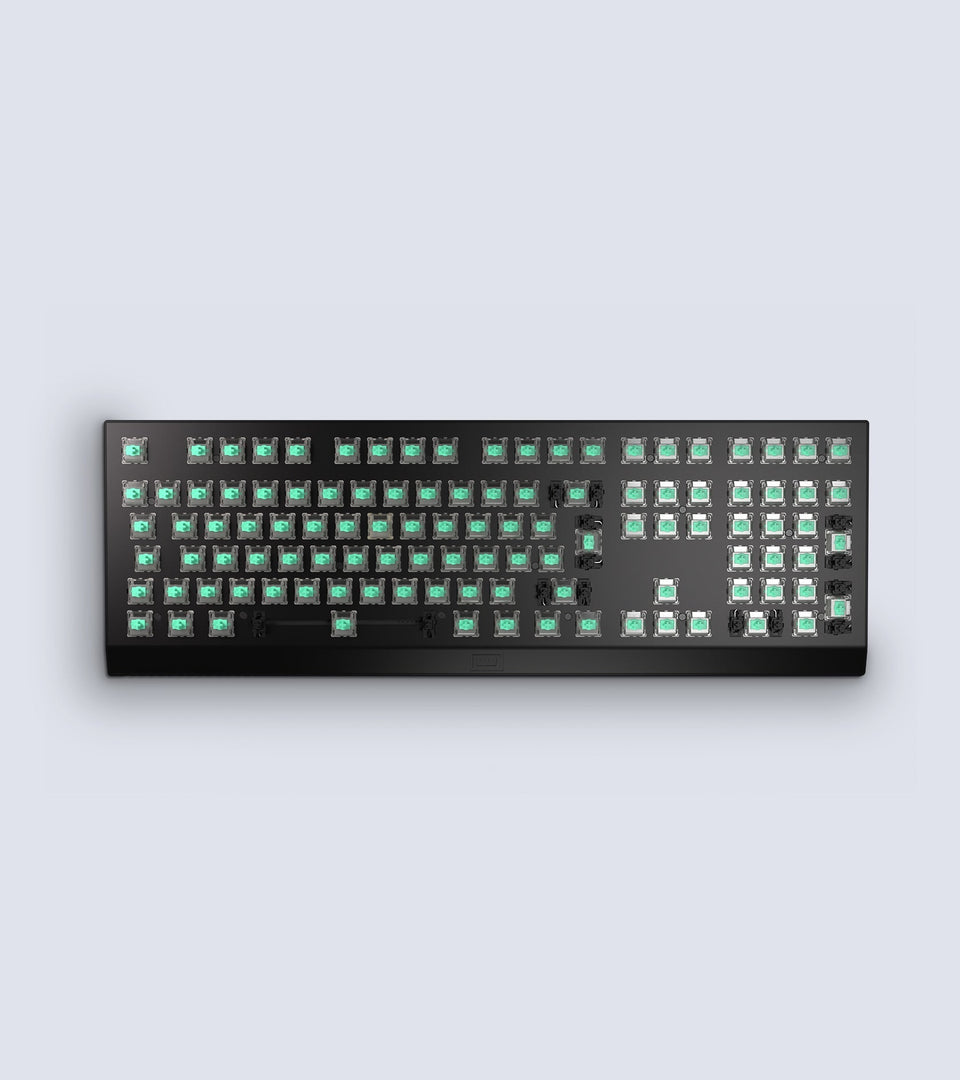
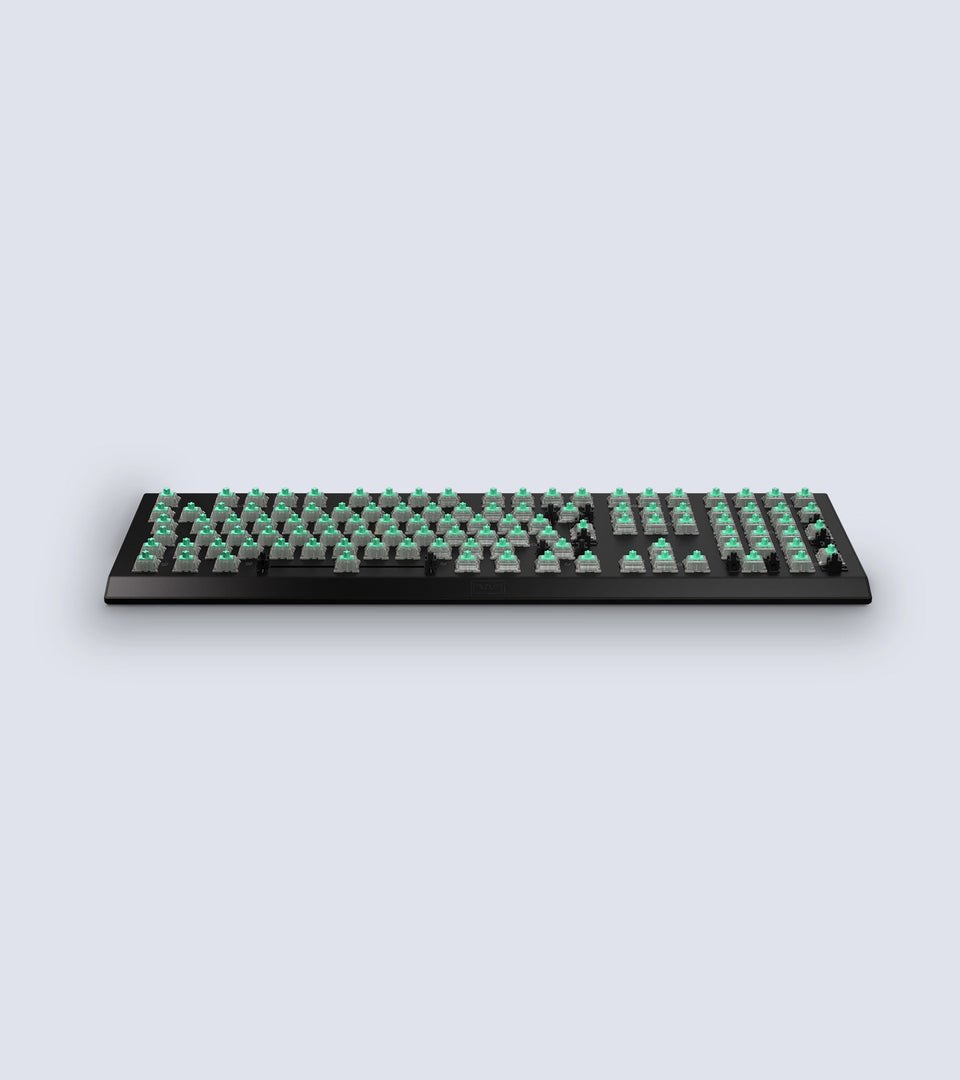
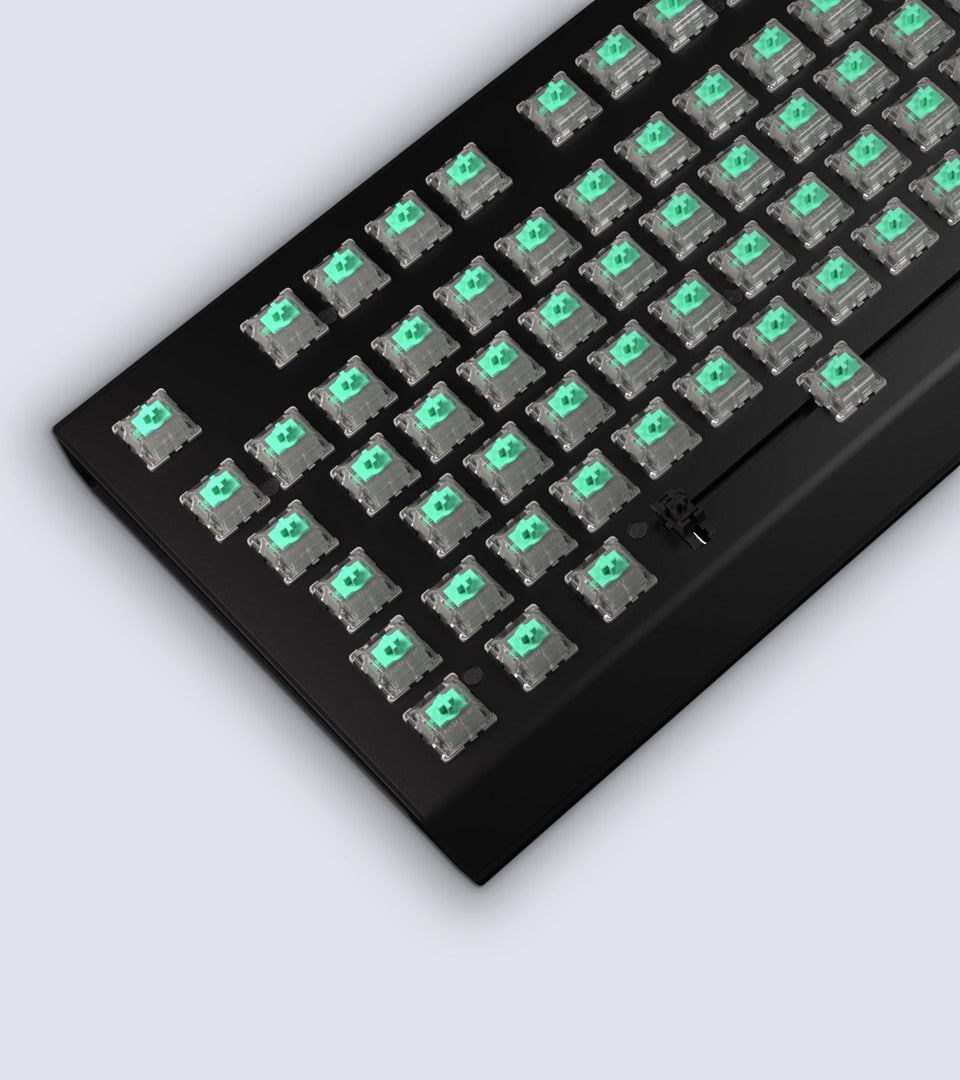
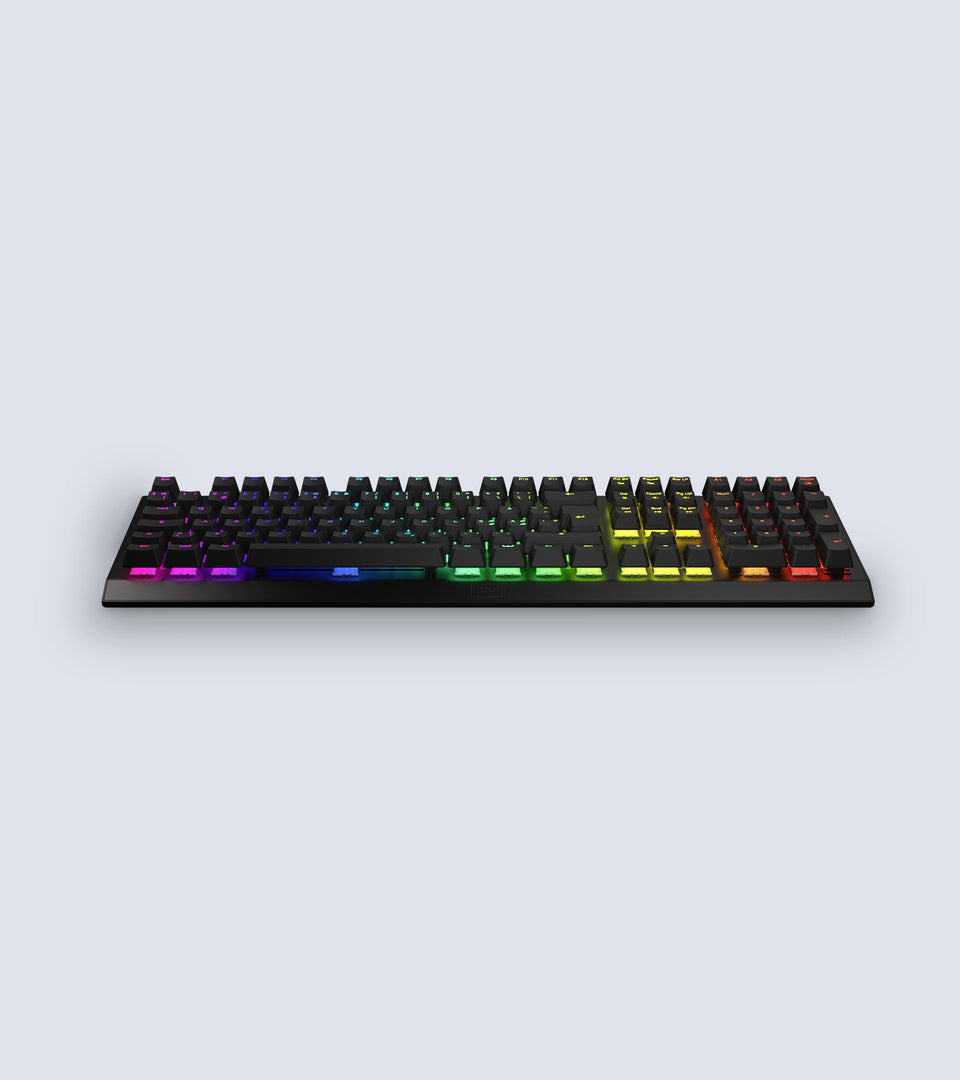
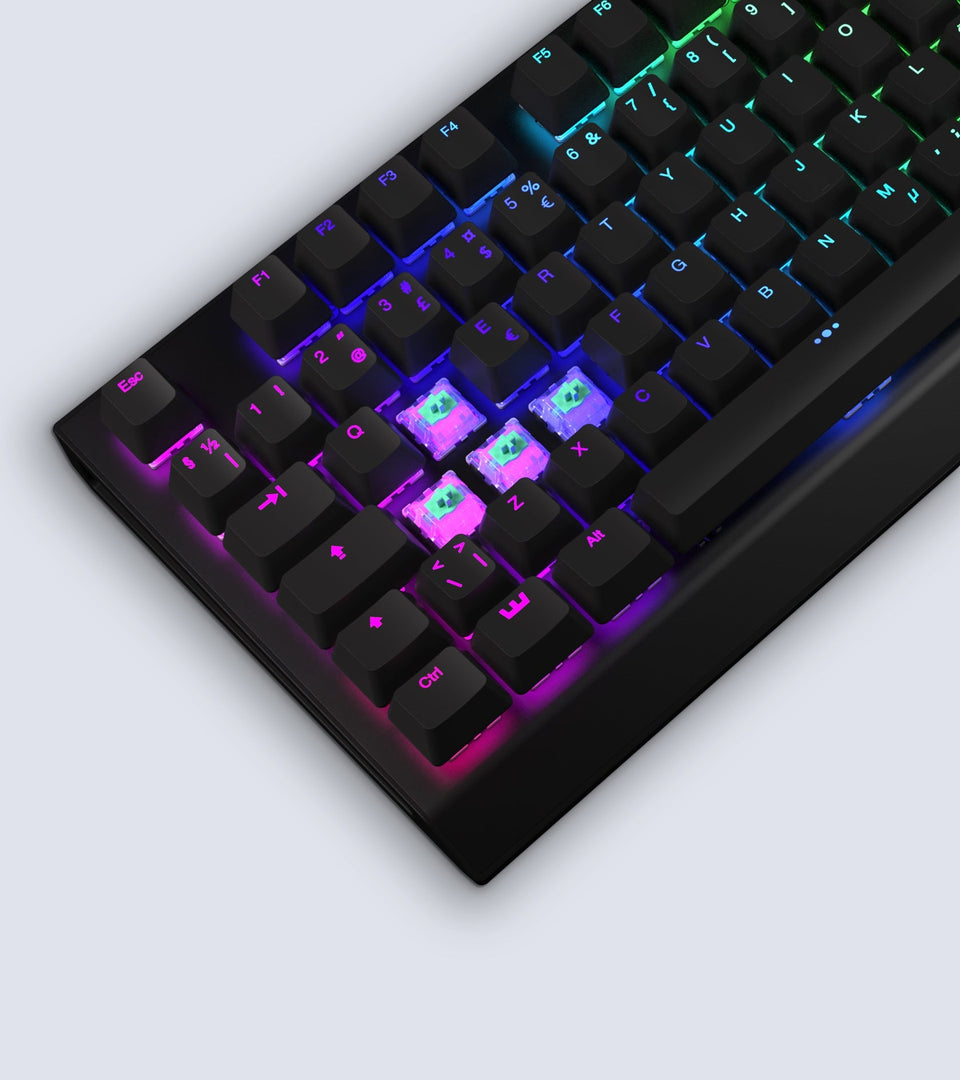
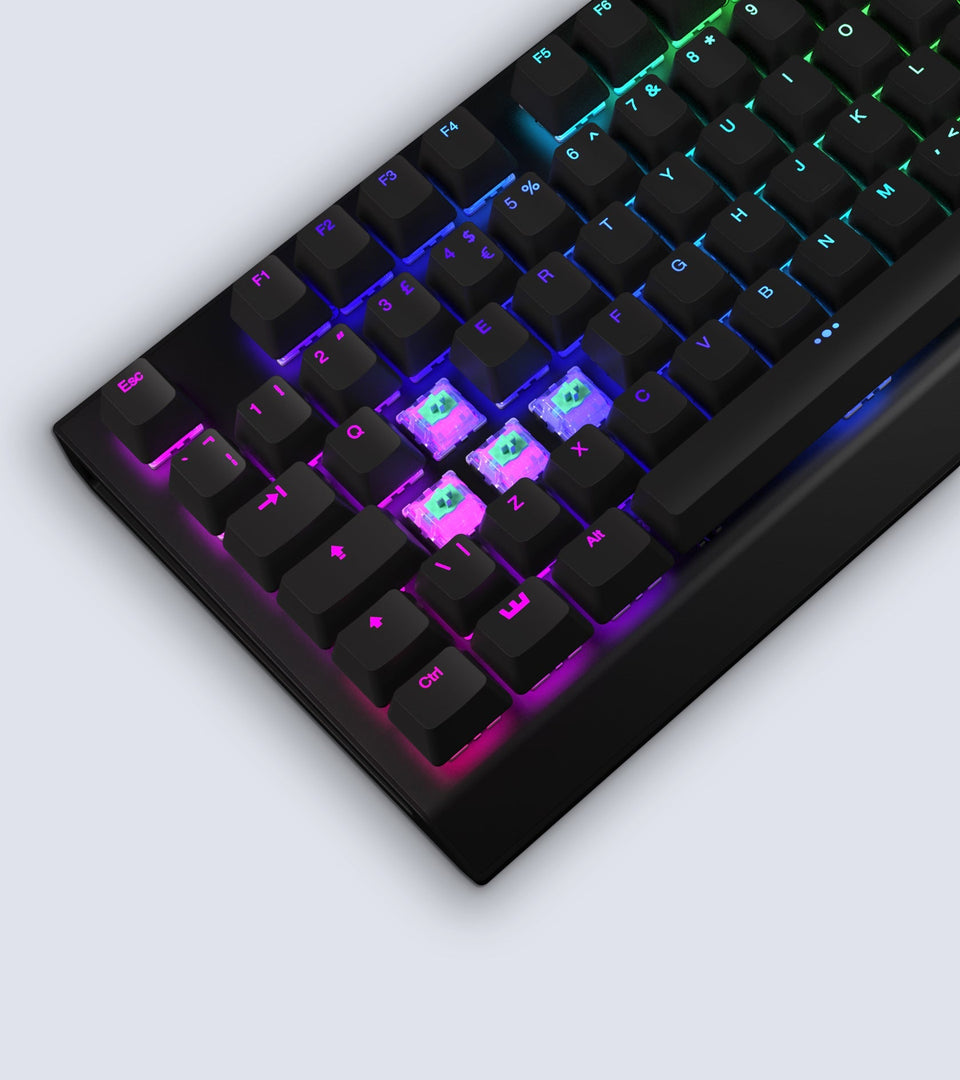
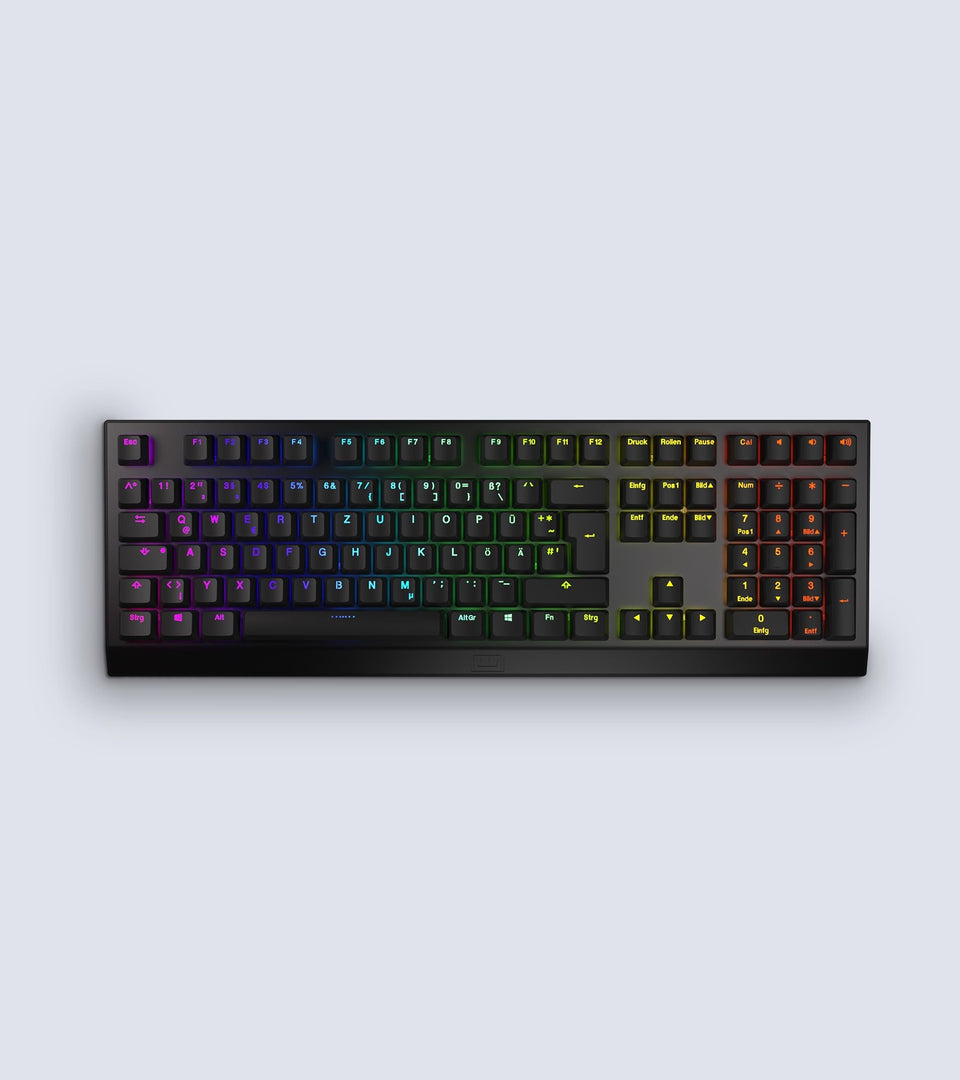
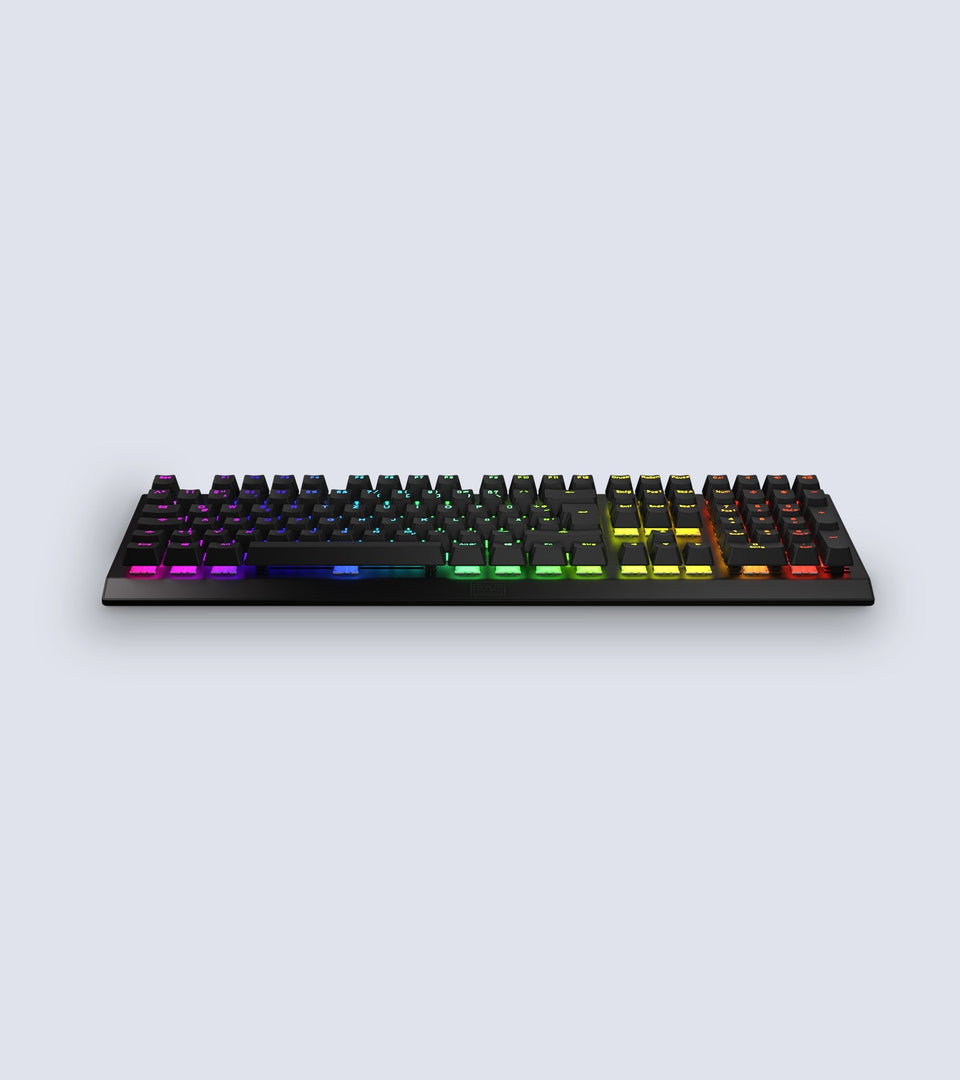
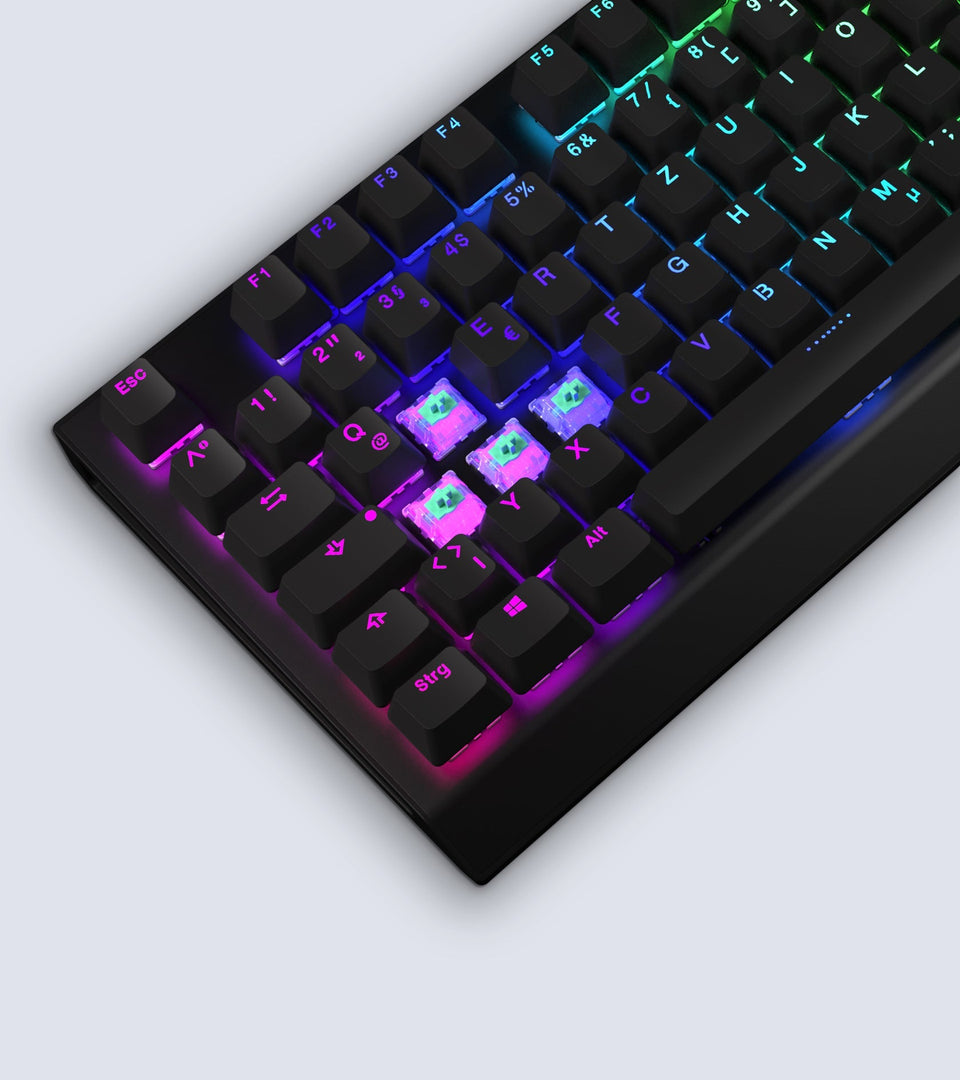
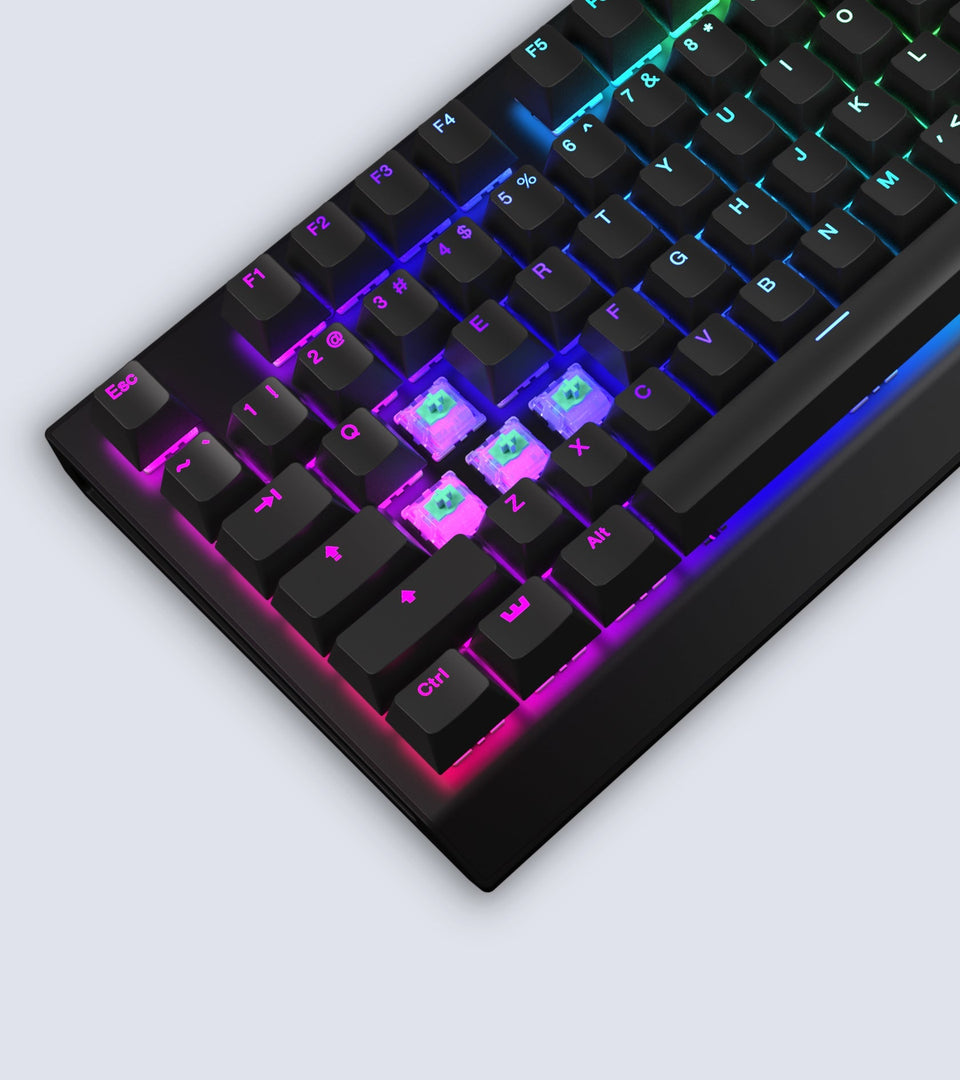
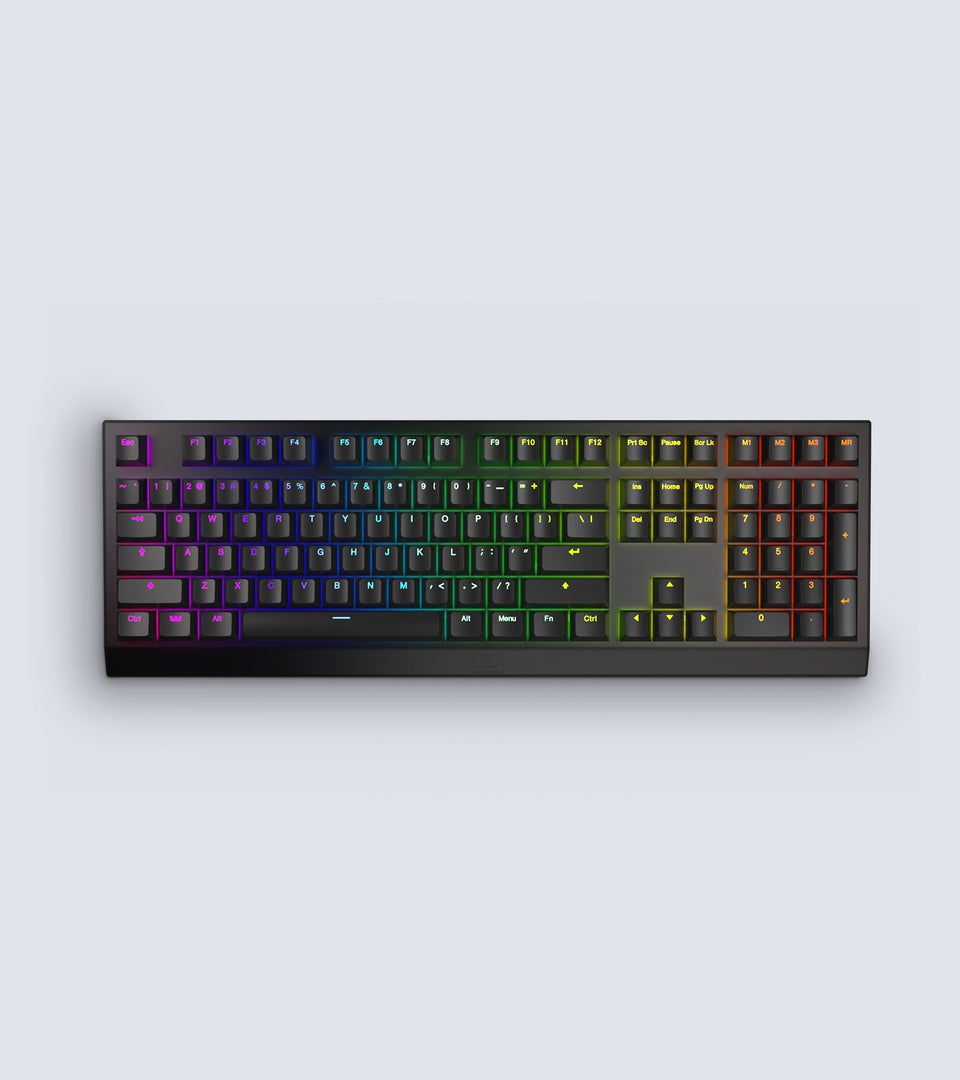
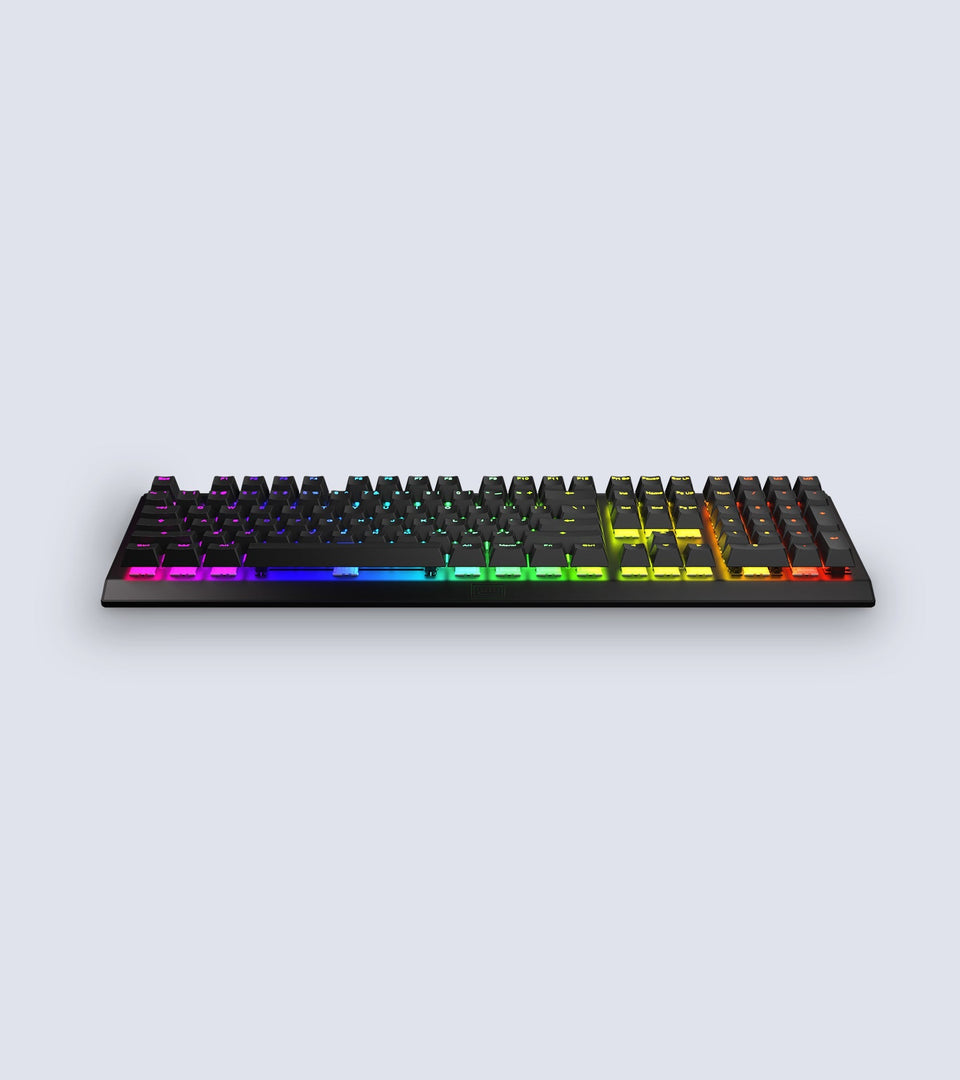
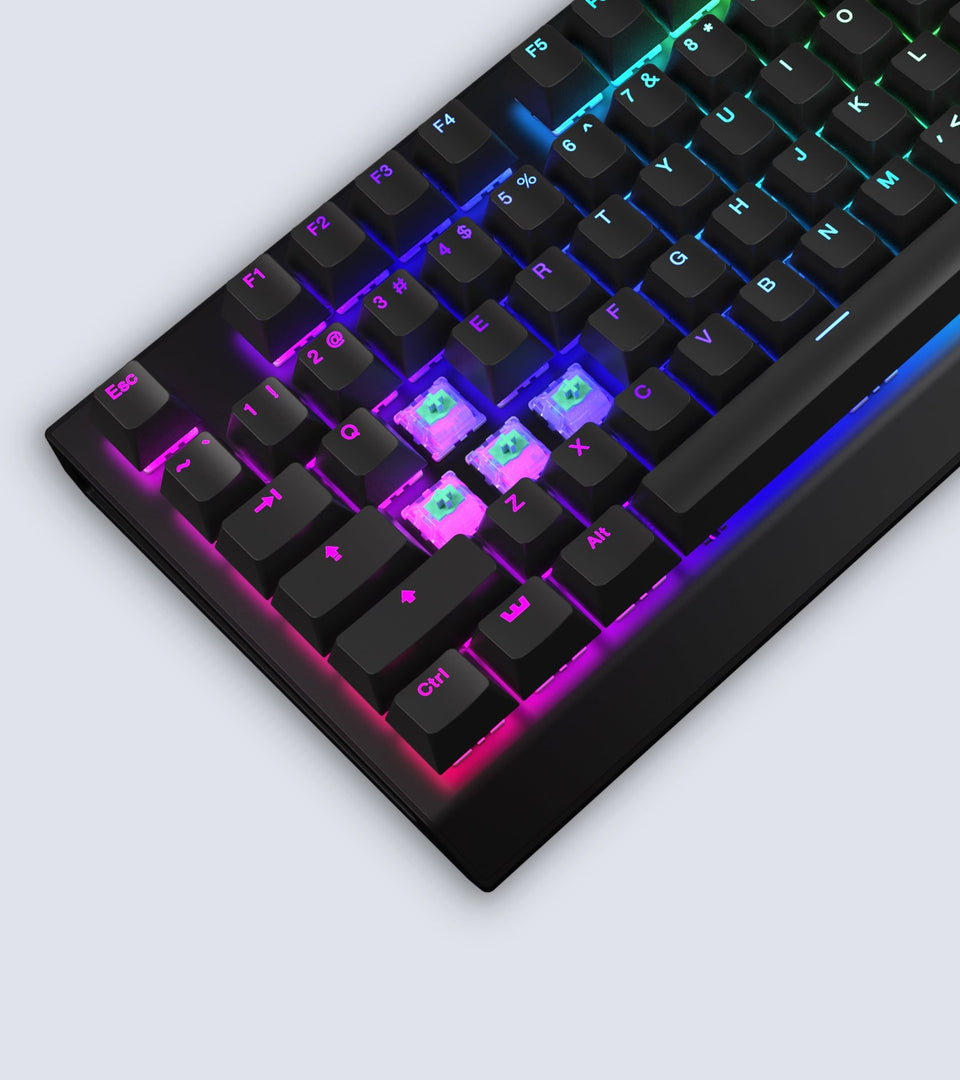
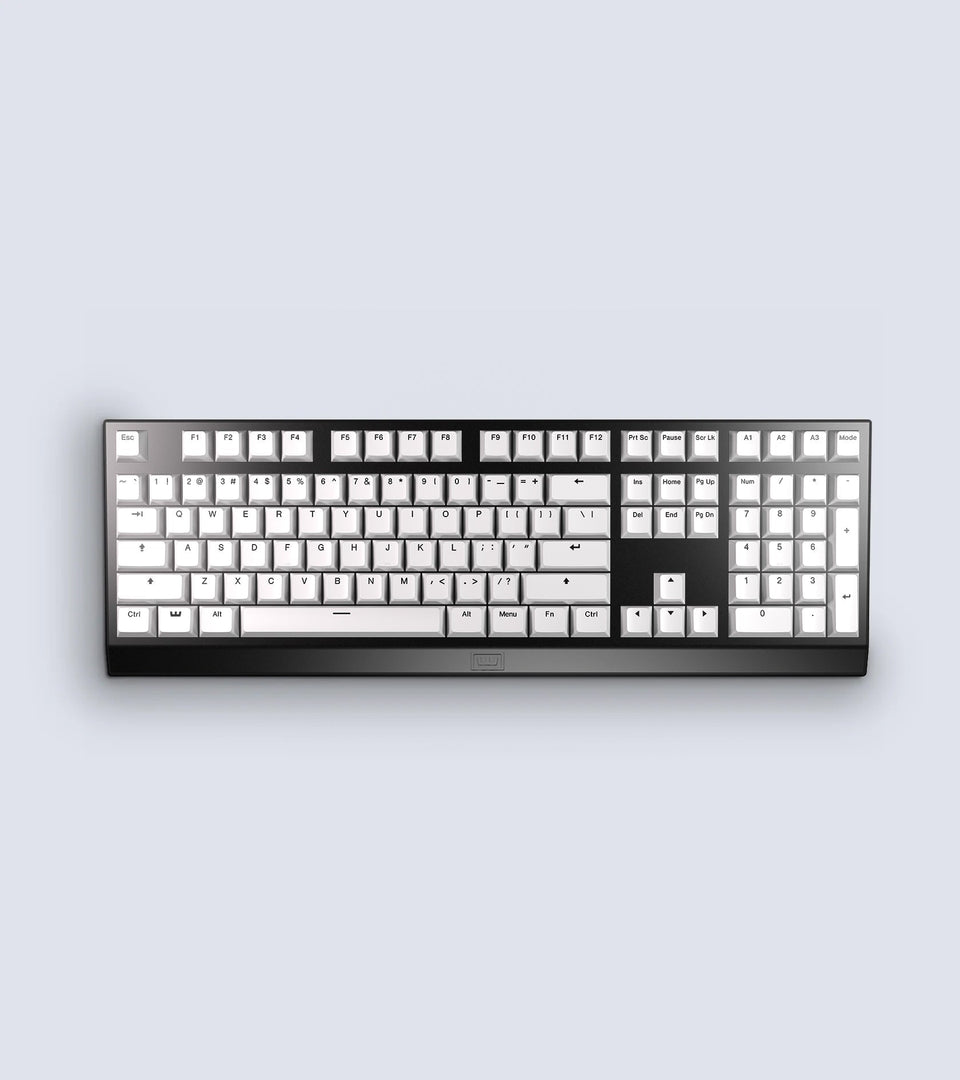
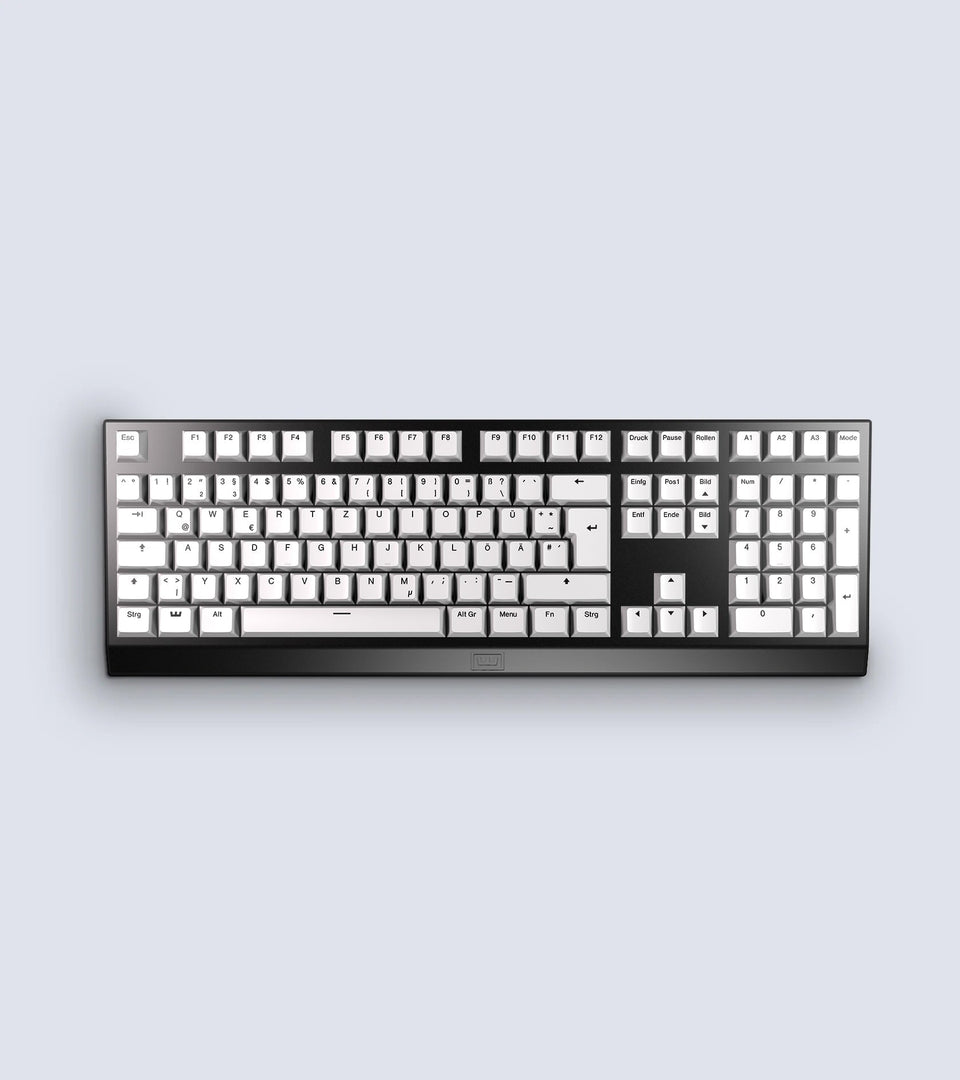
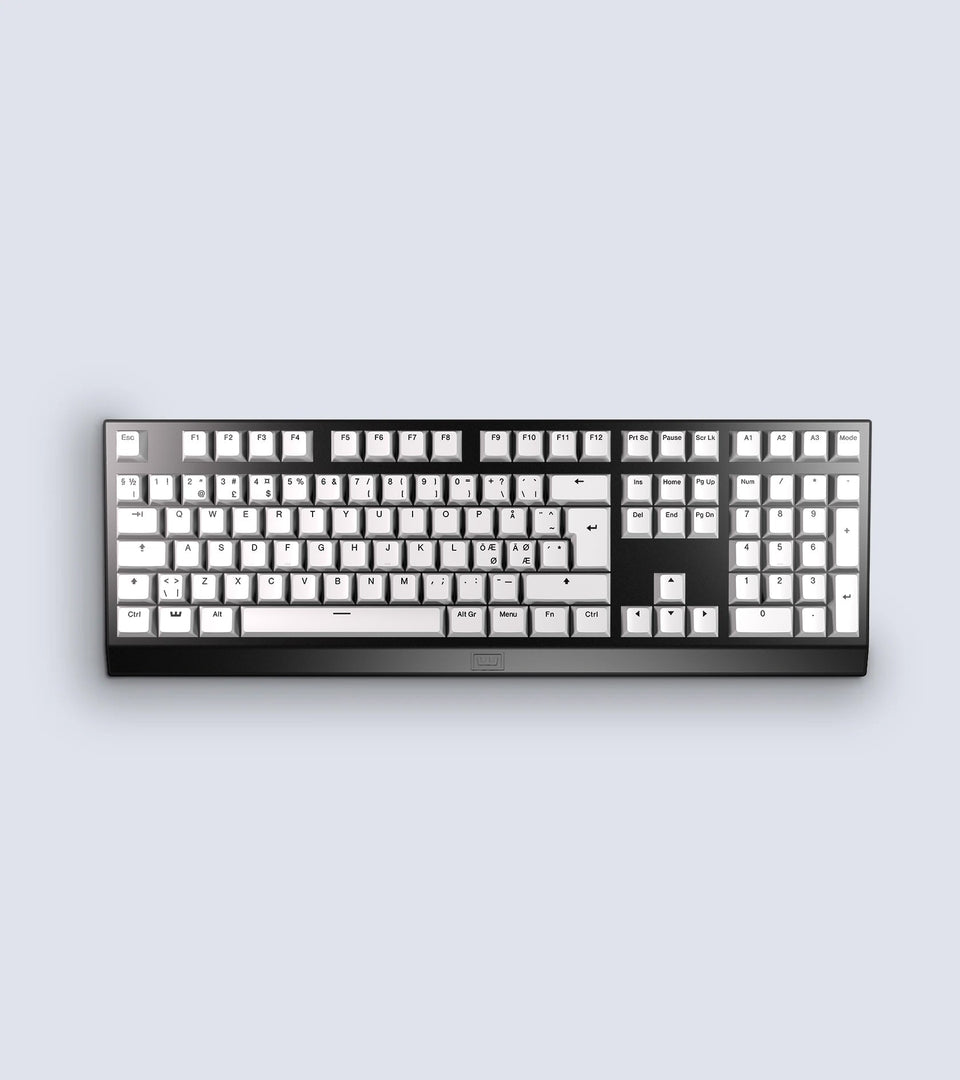
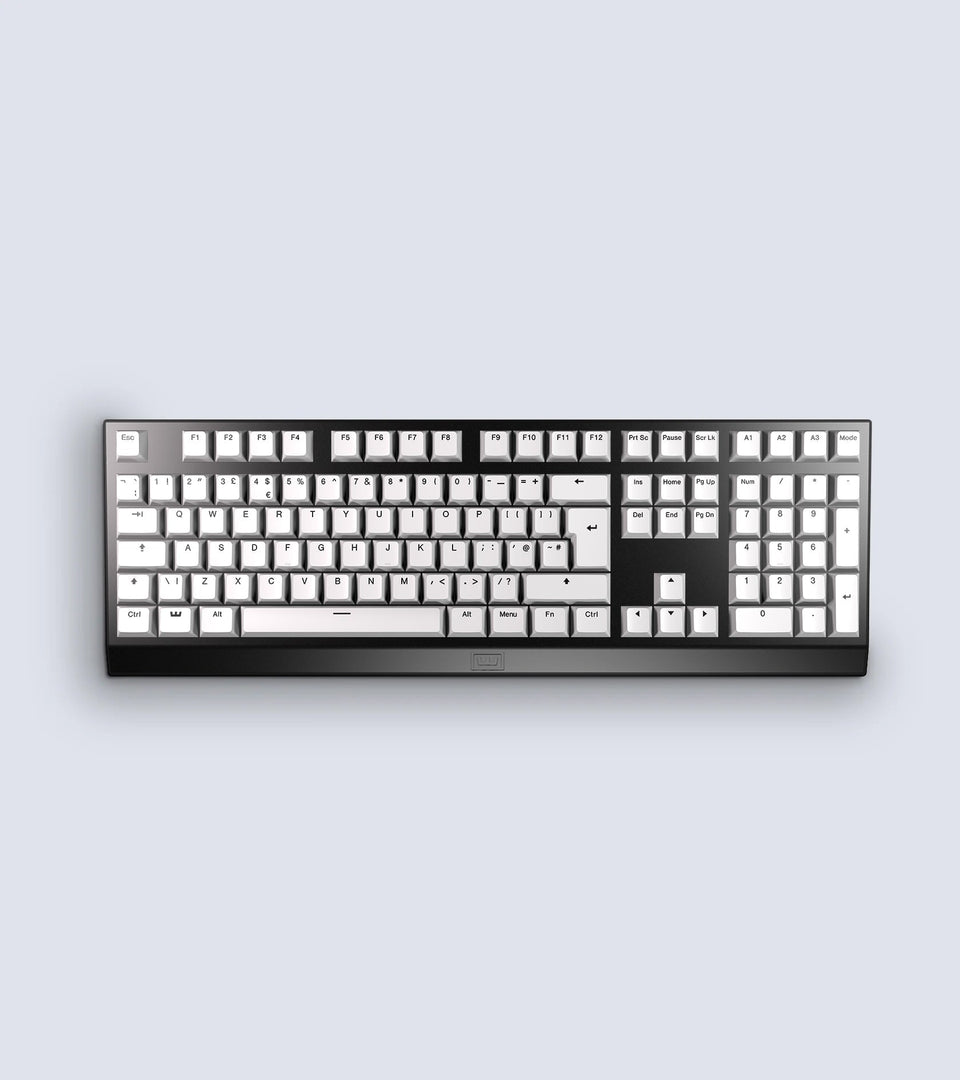
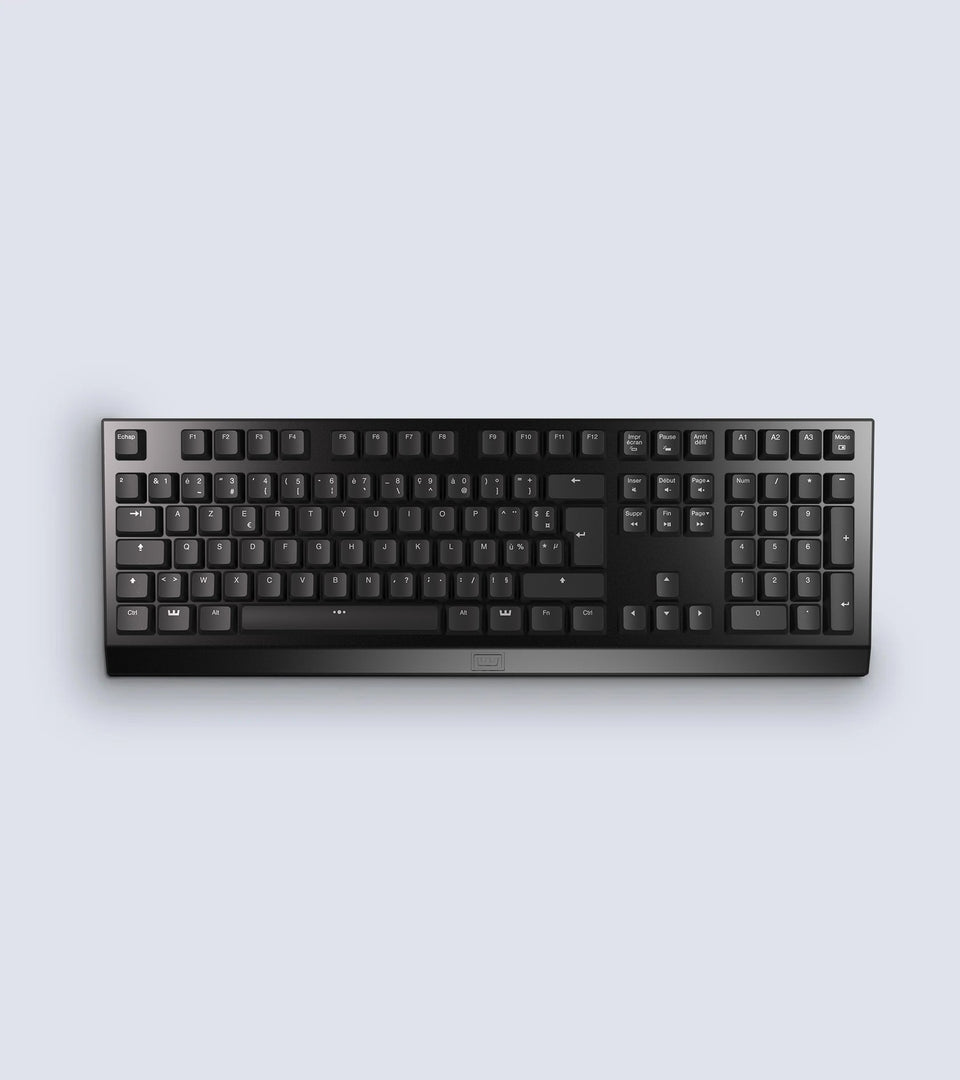
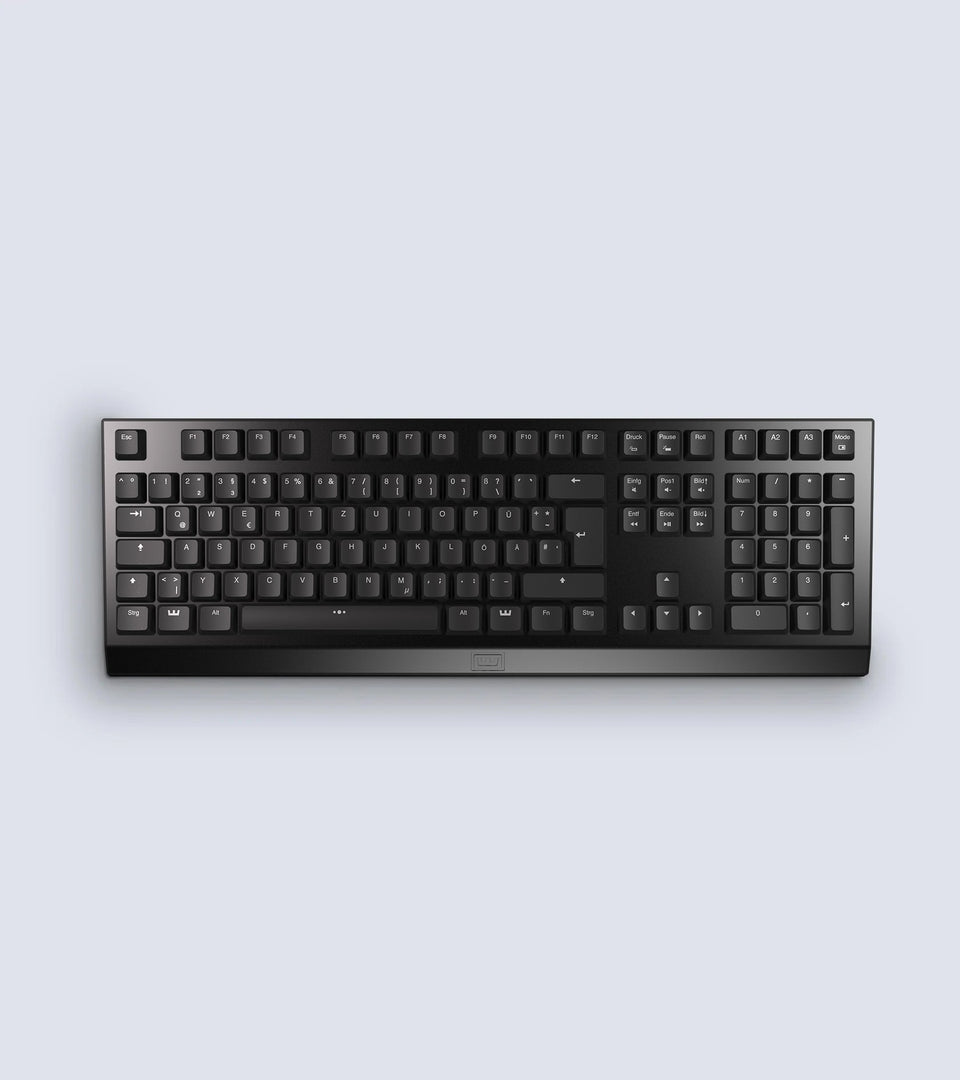
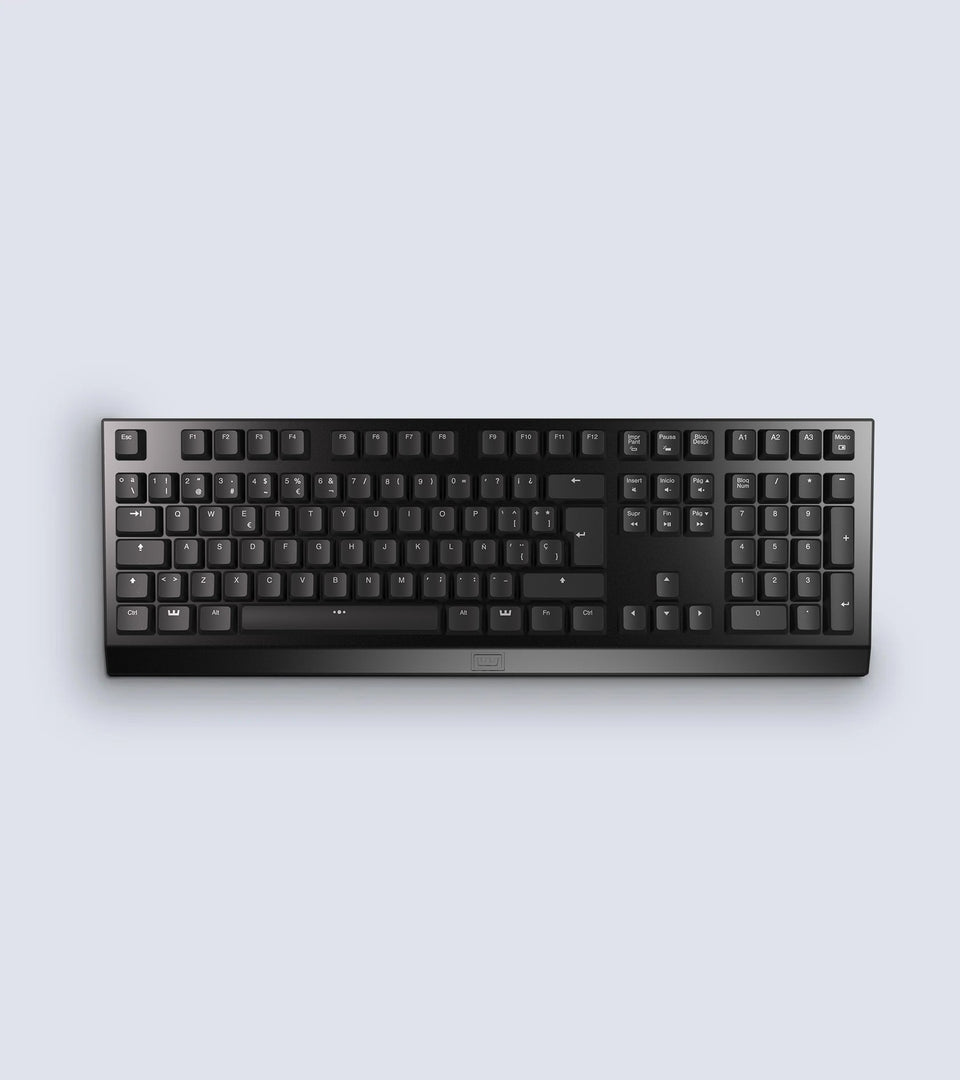
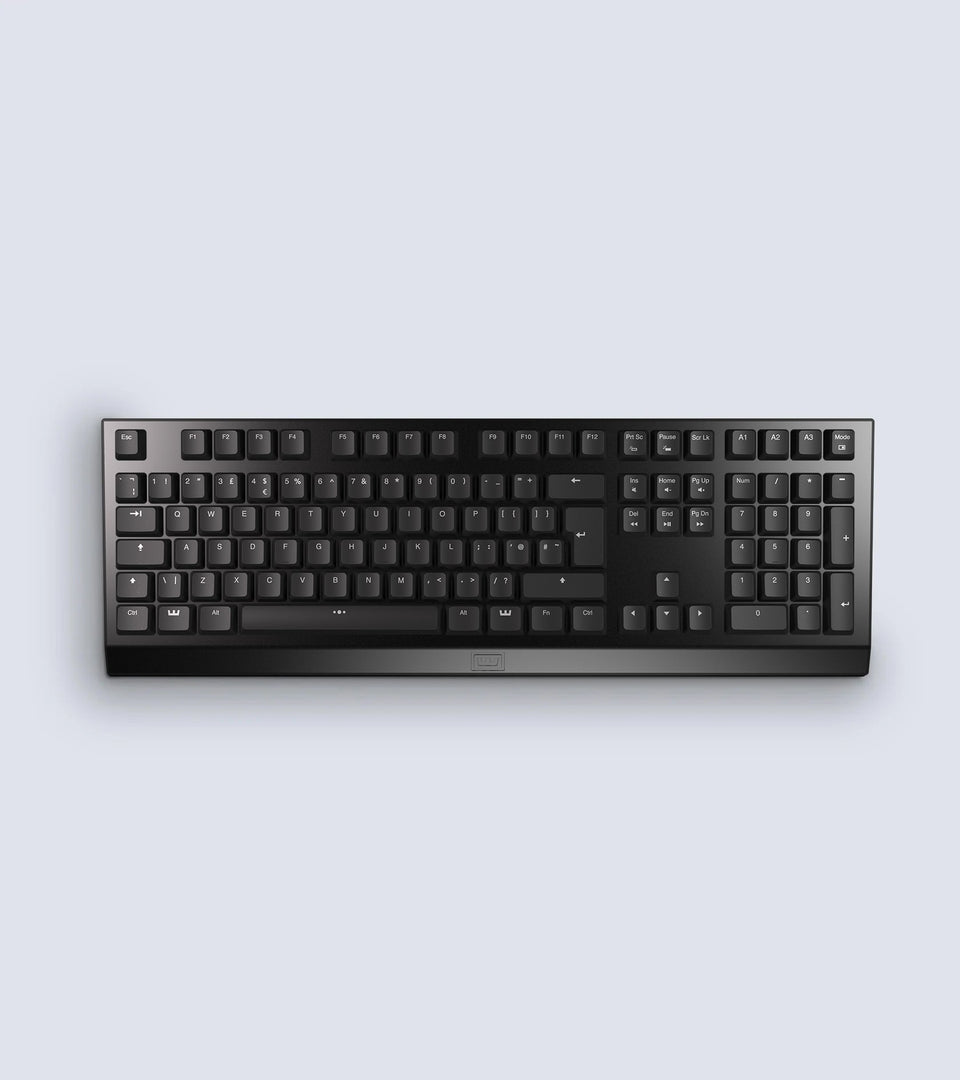
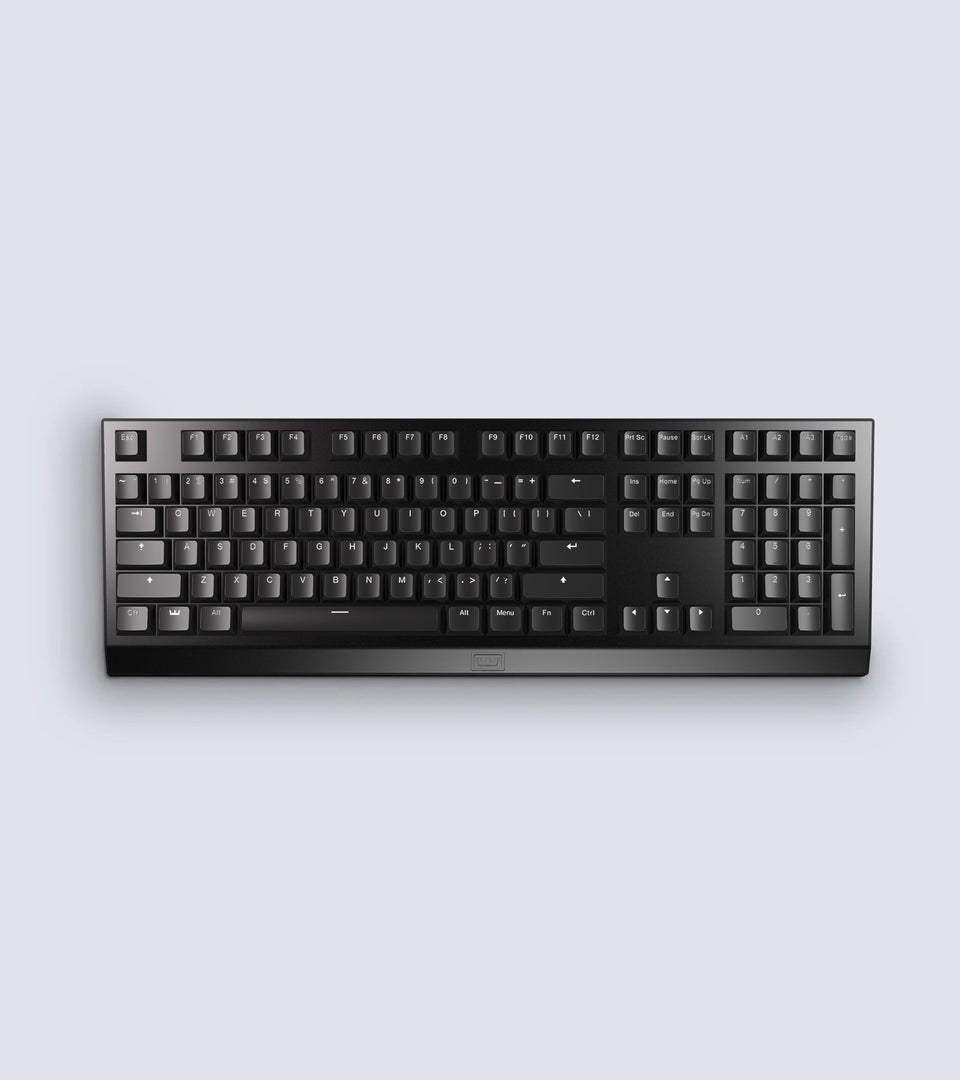
First off i give it a rating of 4.5 Stars.
Hardware(Only good things):
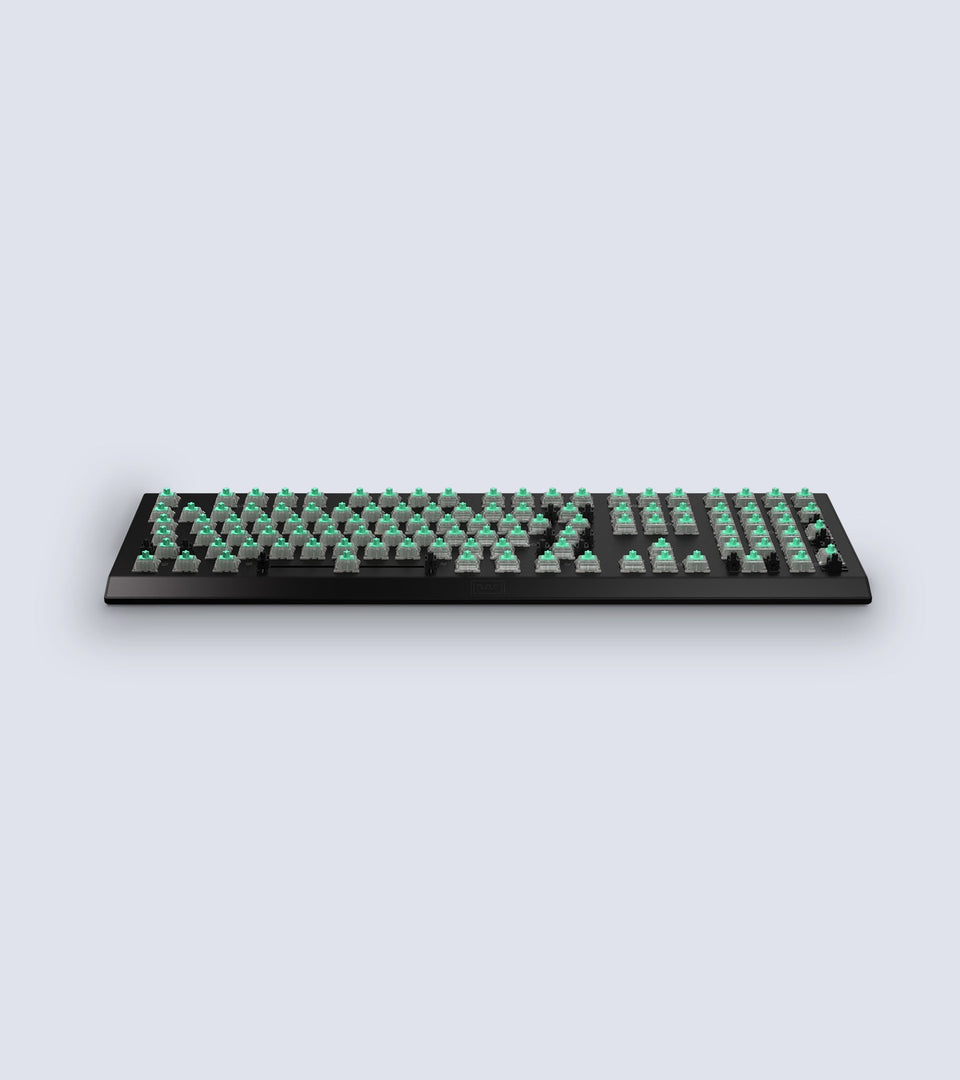
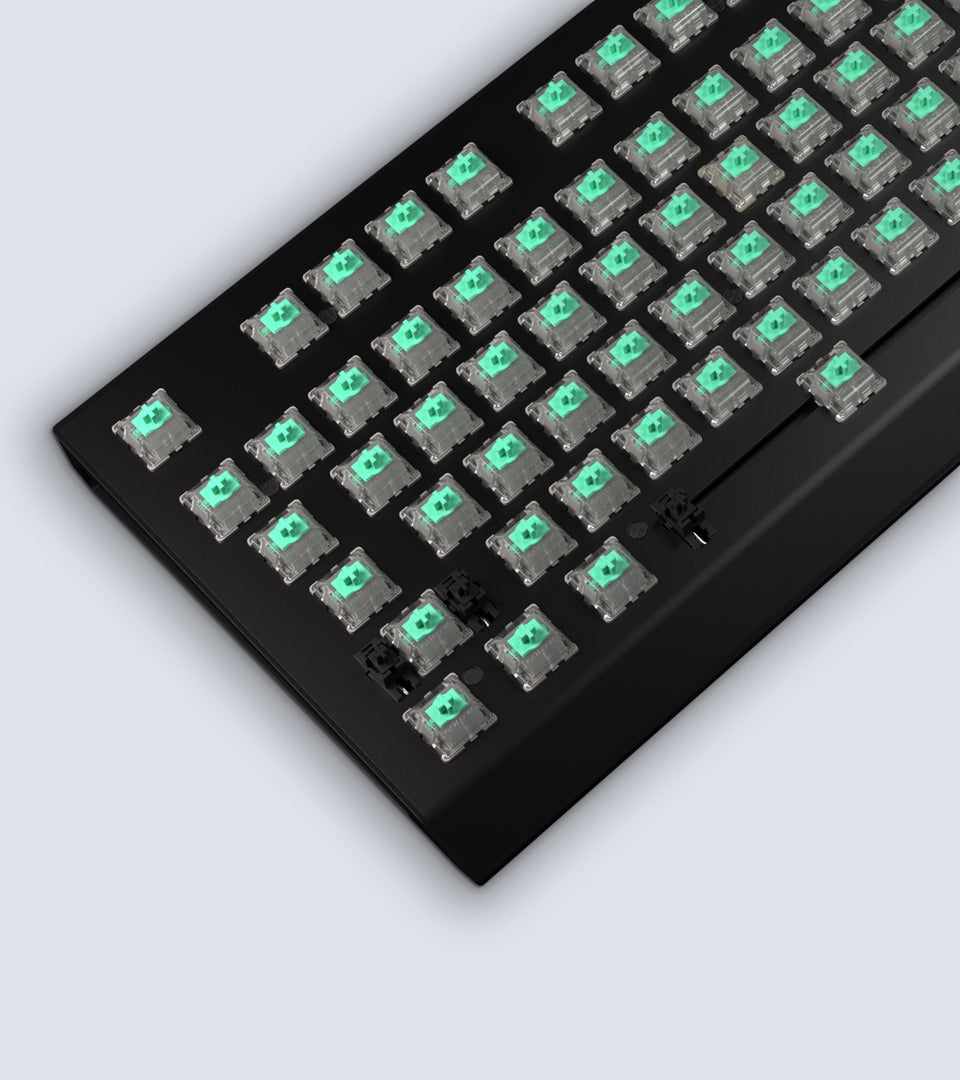
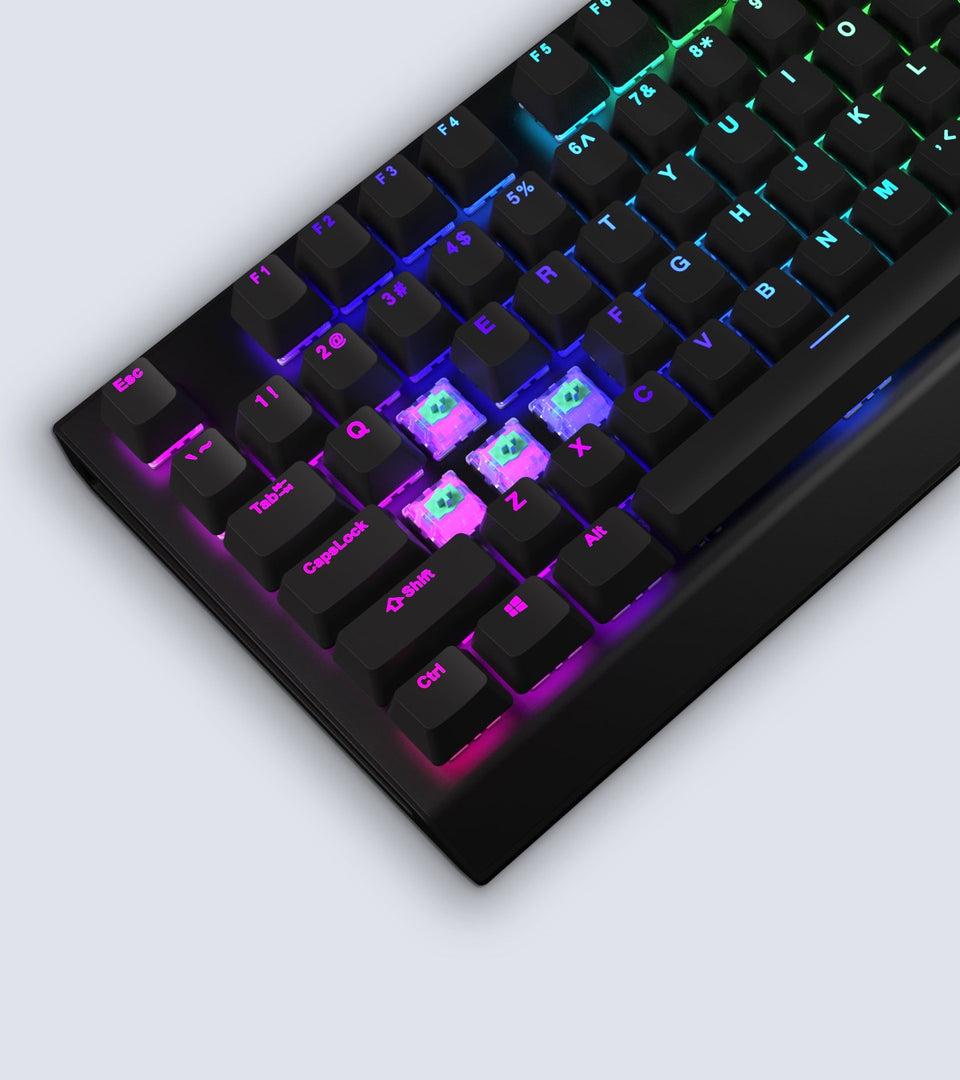
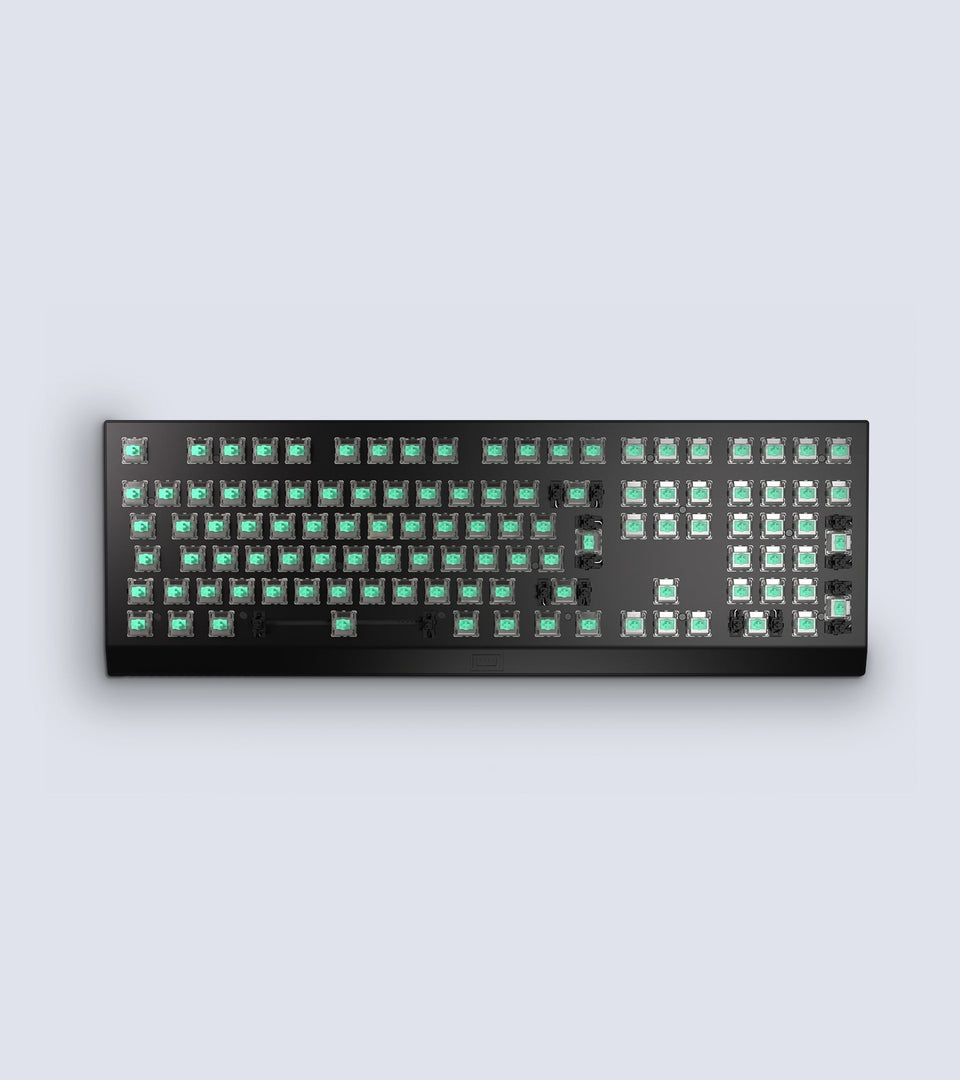
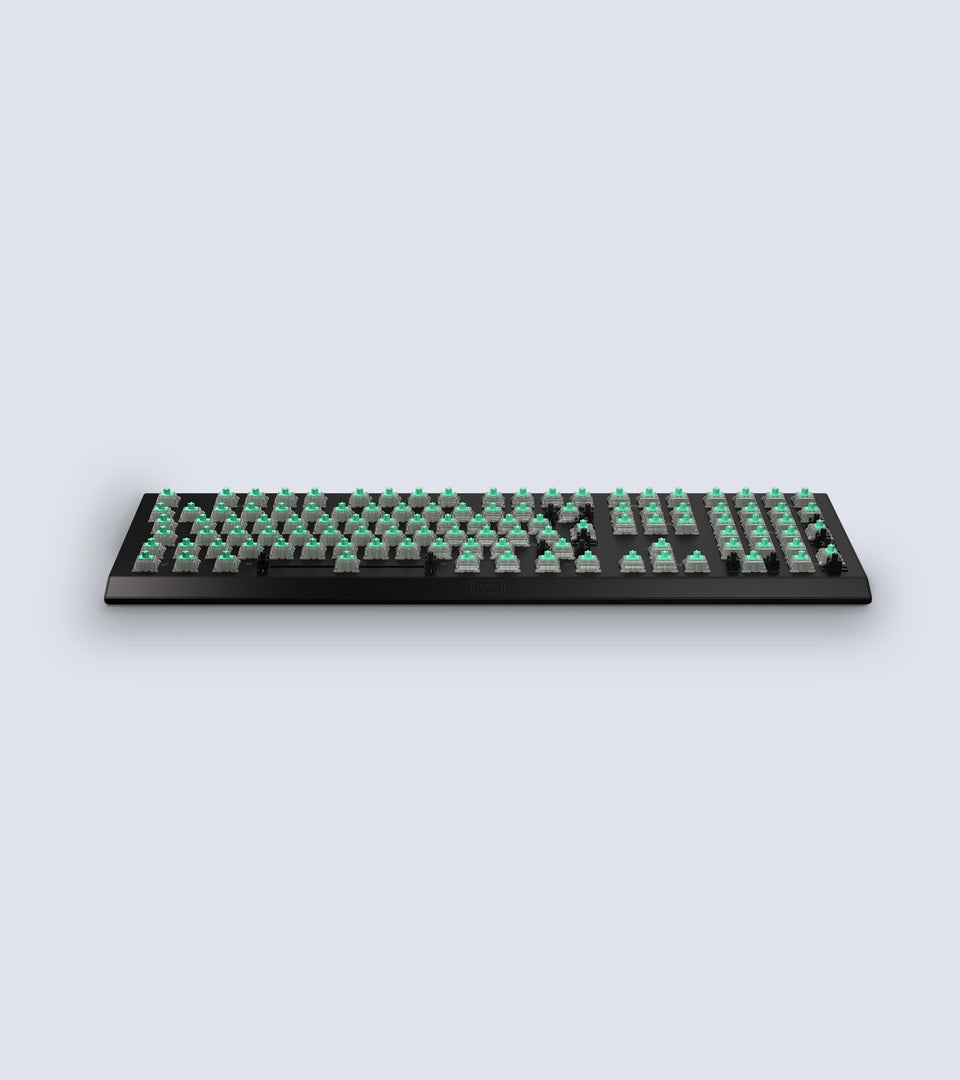
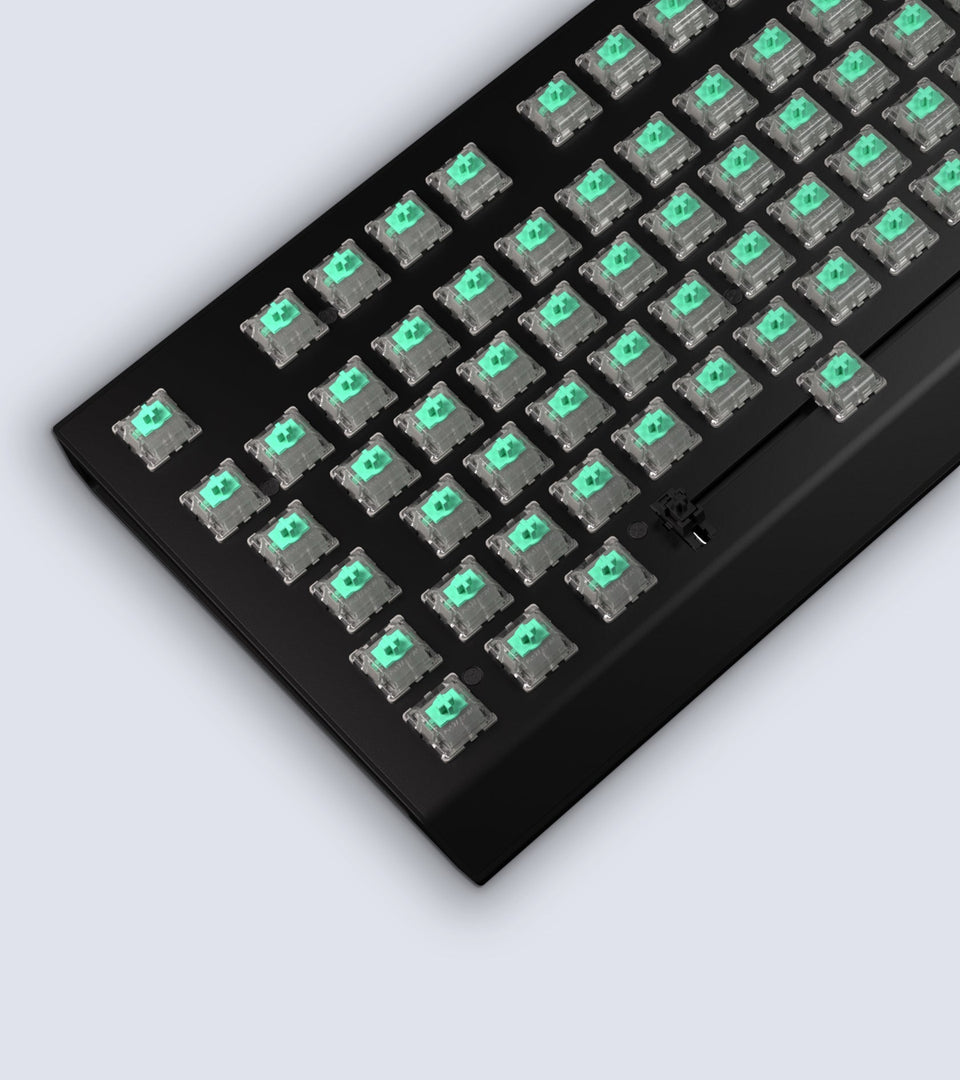
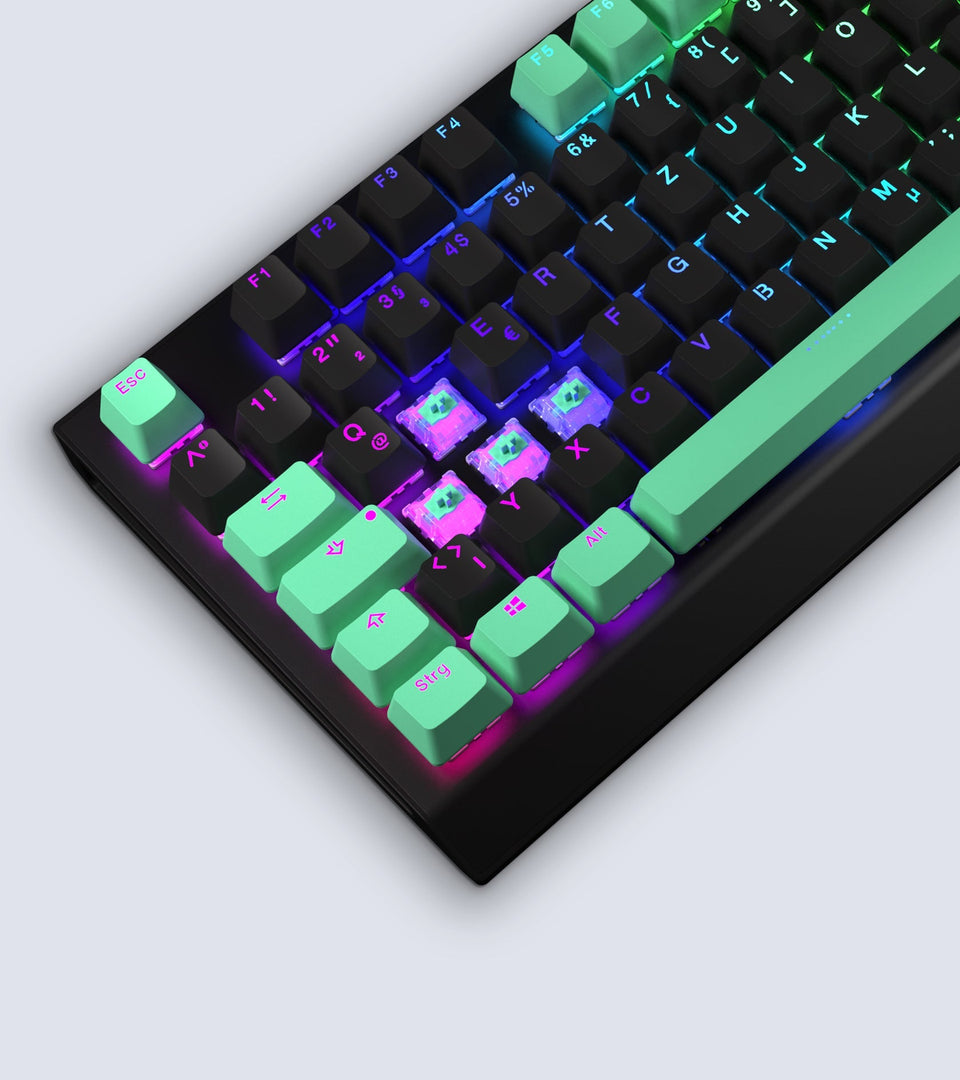
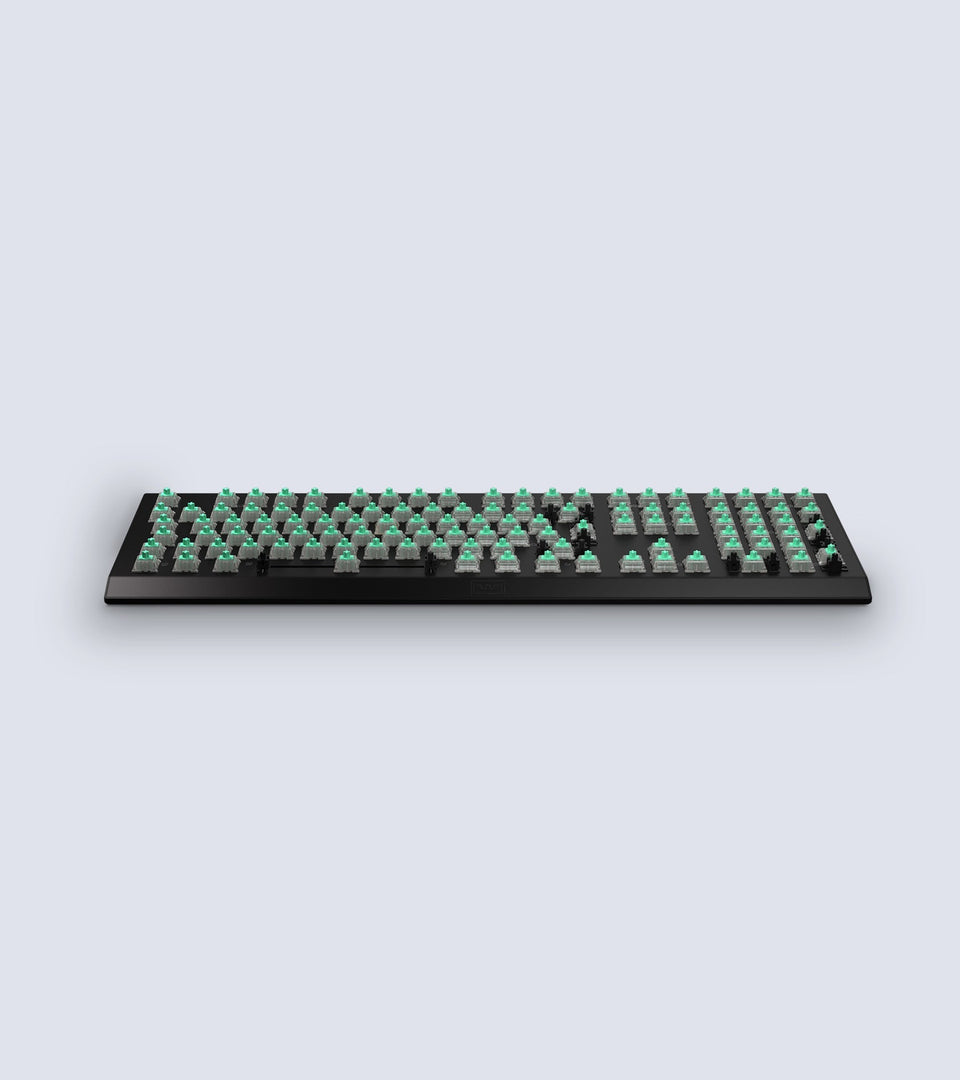
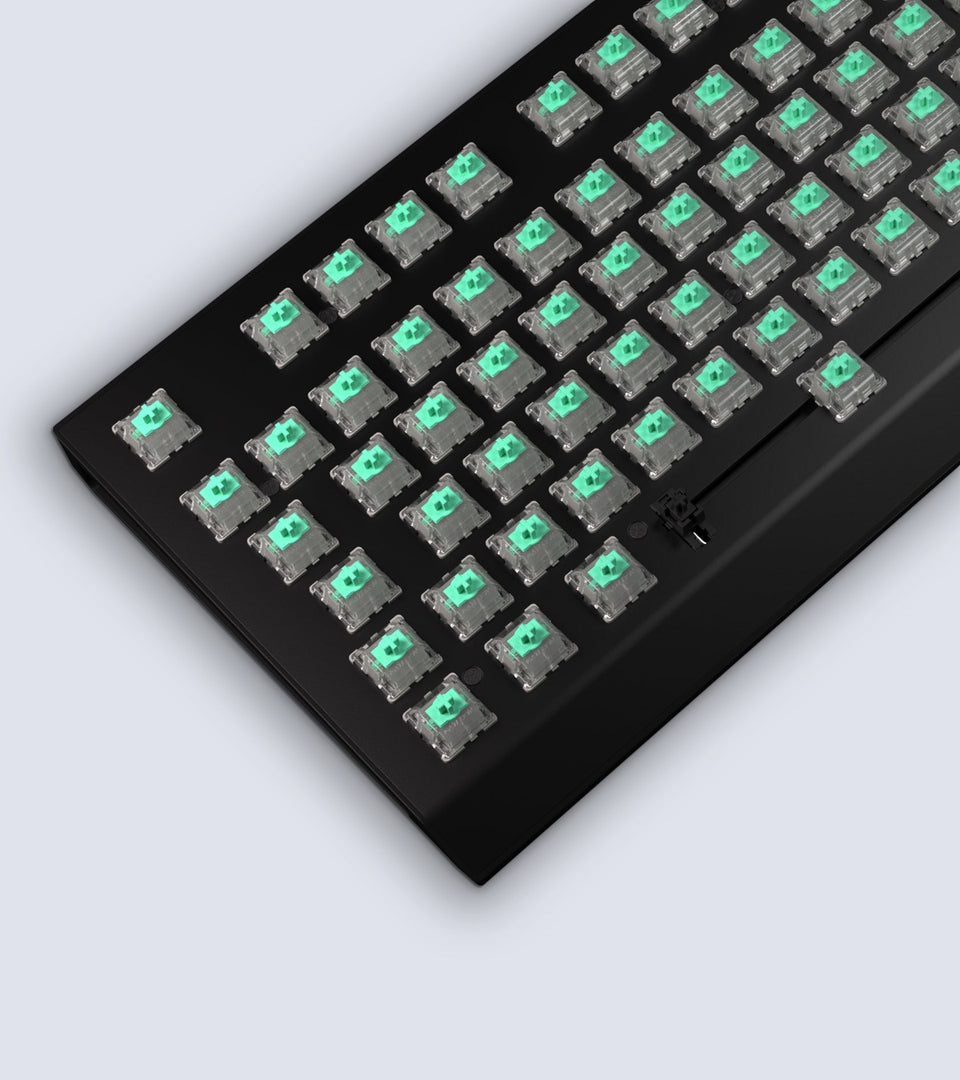
First off the hardware is great and feels great. Some people may say the keycaps feel cheap but i think they feel perfectly fine. The noise of the keyboard is also perfect, it doesnt have the loud clicks like some keyboards have so i wont annoy the hell out of people in my house.
The "speed" of the keyboard i dont notice because well im not a competitive gamer or in the 0.00001% of keyboard users that would even notice it.
Being able to upload profiles directly to the keyboard is amazing. I no longer need to re-bind all my keys every time i switch computers/OS's.
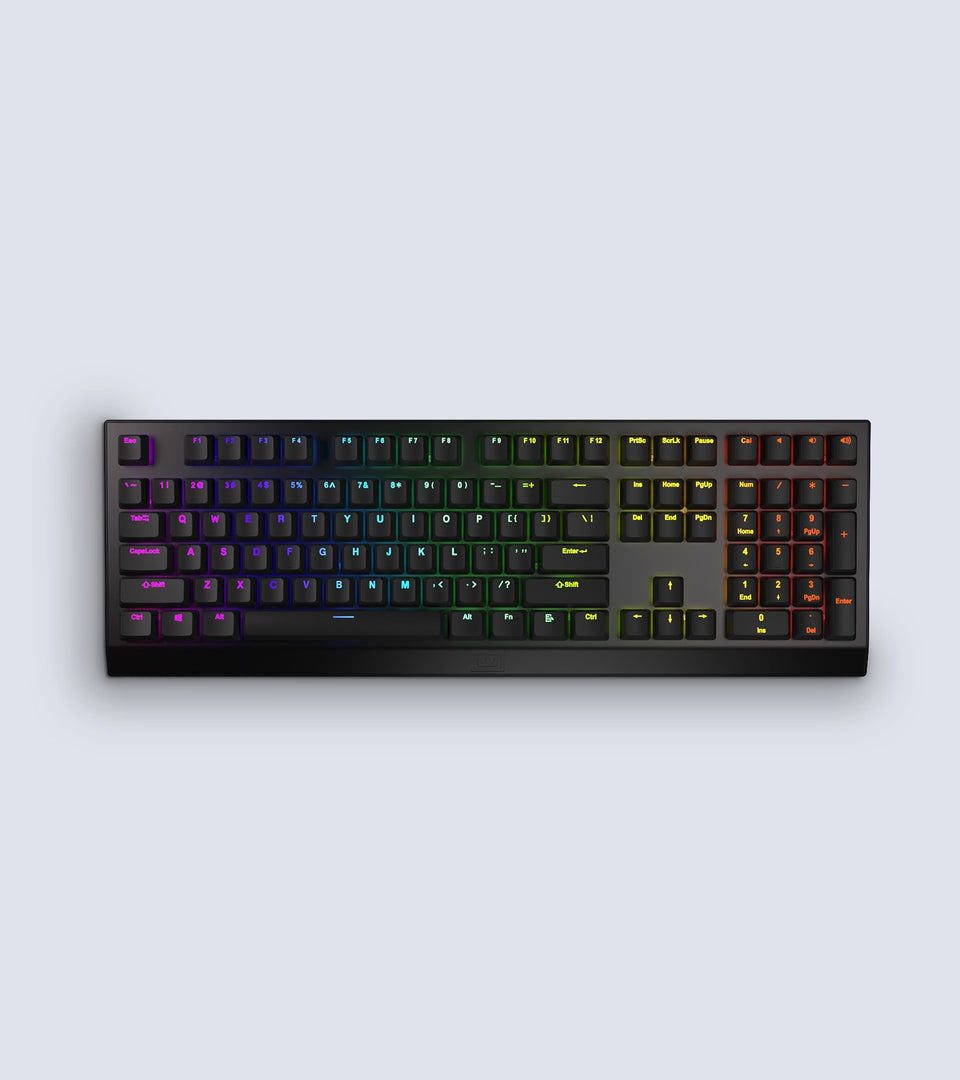
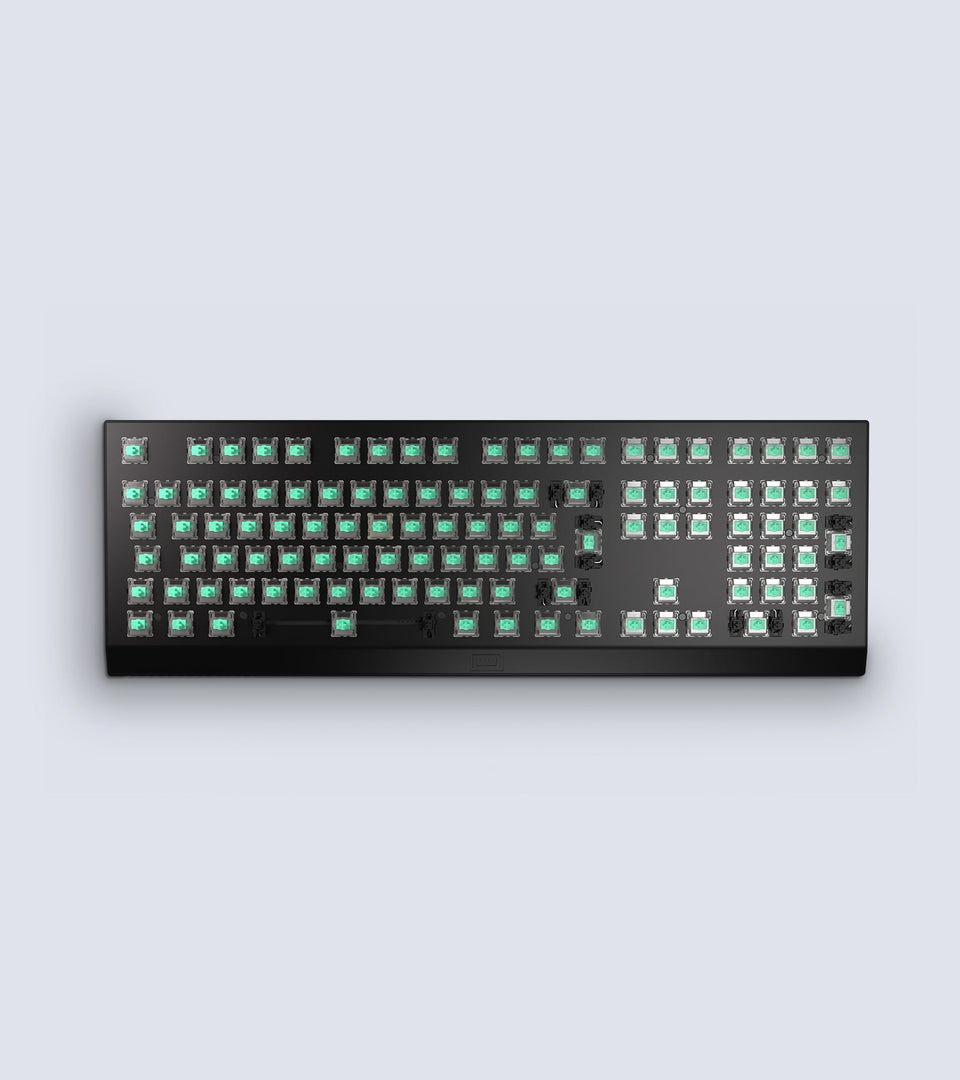
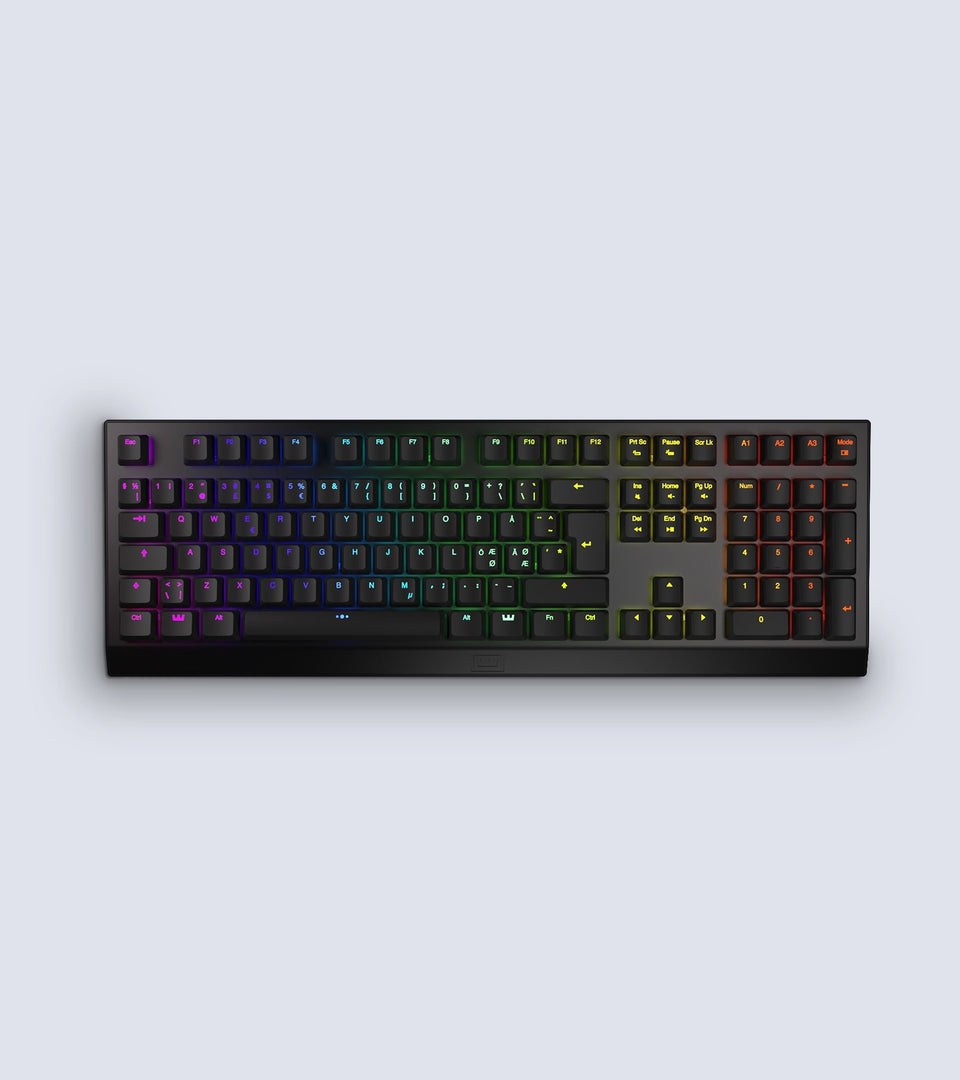
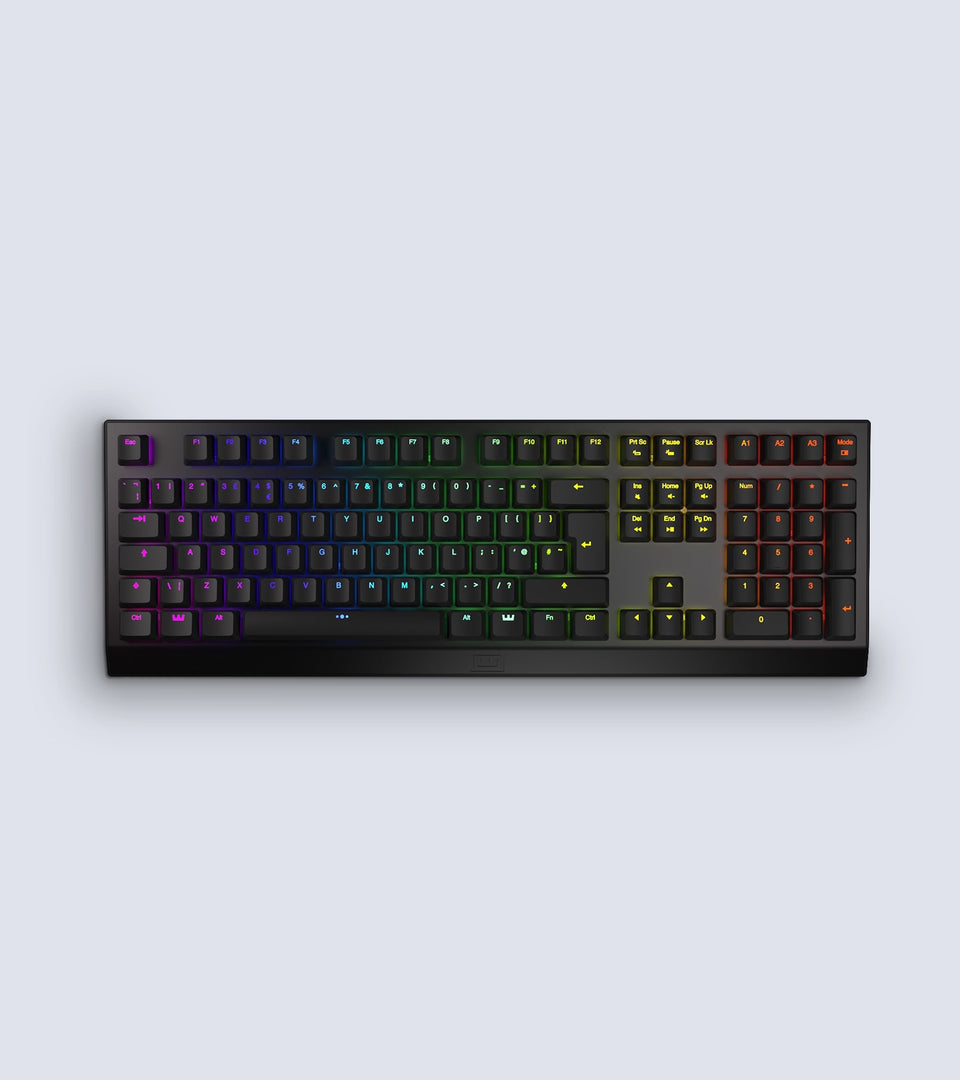
The numpad is the best thing ever added to keyboards and i hate having a separate numpad so thank you guys for having a numpad on the keyboard, its one of the main reasons i bought a keyboard from you guys. I do a ton of number entry doing game dev so again thank you!
Software(The good)
The software i have mixed feelings for but it leans more on the love side. The first thing i really love is that Wooting supports linux. I primarily use linux and i bought this keyboard because i was looking for something i could use in linux that i was able to have custom keybindings and analog input. So THANK YOU Wooting for supporting my main OS!
Being able to adjust the actuation point is great and amazing for games especially since you can also bind different keys for how far you hold down a key.
The mode buttons are great and i love that i can map a button to quickly change my profile. I do a lot of gaming and game development so i have 3 modes and each of them have a dedicated button(A1-A3). One mode is for general use like gaming, another is for analog input for games that support it(see bad section), and almost finally i have a mode for programming where i have to hit the keys all the way down so it acts like a normal keyboard. The final is a secret mode is Al Bhed mode. It changes all the keys to the Al Bhed alphabet from Final Fantasy 10.
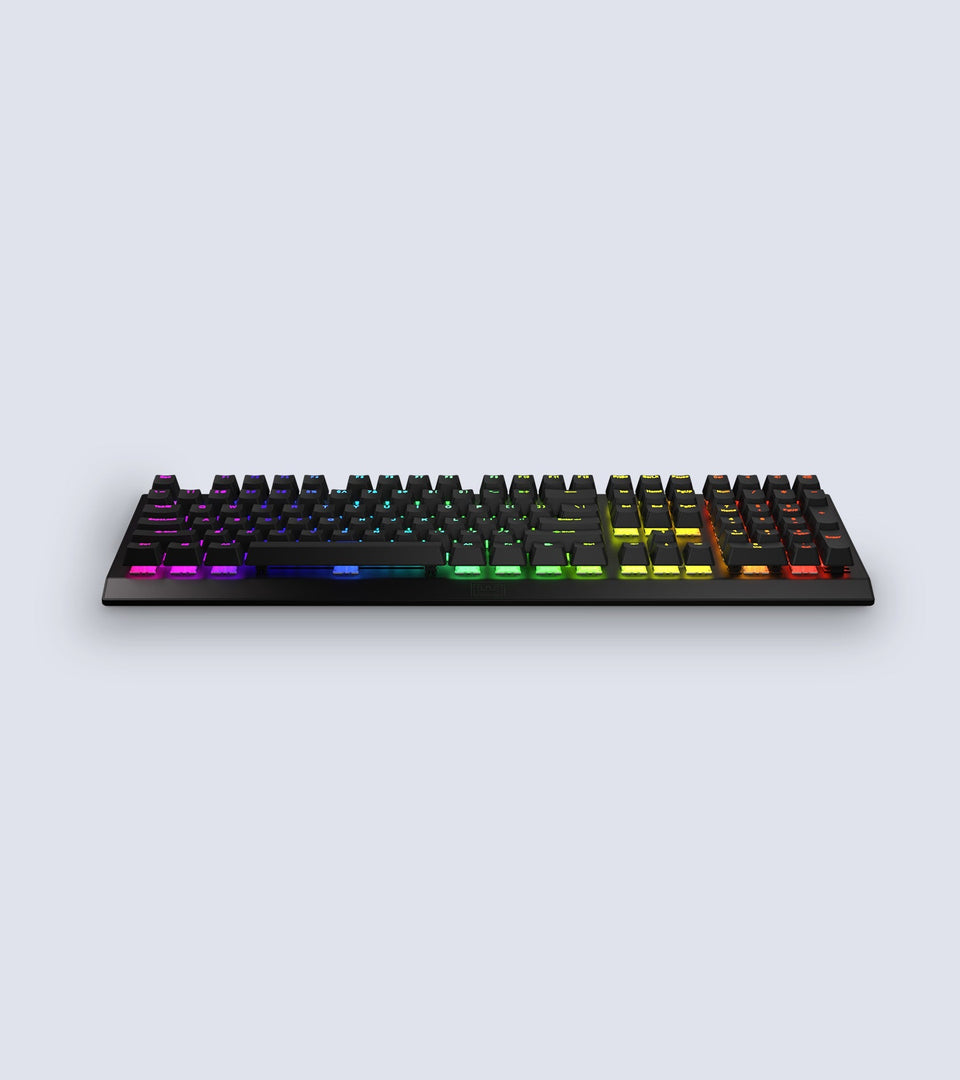
Being able to set a different lights per key is what every keyboard should have and im glad this keyboard has the ability to do that. I like setting different lights per function. For an example i like to color my WASD, space bar, E, etc.... different colors since they are used in games or custom keybindings. The lighting effects are good but has something to be desired(see bad section).
Overall the software is great and does what its set out to do.
Software(The Bad)
Now lets get into what i dislike about the software and what can be improved.
The RGB effects layer doesnt work at all how id like it to and how you would expect it to work unless im not understanding how it works. It has a base layer and an effects layer. I usually set my base layer to be static BUT as soon as i set an effect layer the base layer is just non-existant and doesnt even work and the effect takes over.... like why? why cant i have effects over the base layer? The only one that works over the base layer is the touch effect that lights up F1-F12 depending how far down you hold a key down. I want to use the AOE effect and the Jelly effect on top of my base layer where my base layer is always on and it just changes the light colors based on the effect BUT instead it just turns off the base layer completely and only shows up as you hit keys. So i wish the RGB effects were better so i dont even bother using them.
Now for my biggest gripe with the software.
No setting custom application launches for keys... Yes they do have built in functions like calculator and your music app BUT they dont work properly in linux and launch the completely wrong applications or do absolutely nothing at all. I really wish they would allow us to launch custom applications. I had a razer keyboard before this and id set a function key + my numpad buttons(0-9) to launch to launch my favorite applications.
Id love to be able to set .sh scripts so i can launch the current MC server im running for my SP world, appimages, etc... just let me launch the applications i want from the app please.
First off yes i understand they don't want people "cheating" in games by adding macros but that should be up to the customer and not the manufacturer to decide. Id personally like macros to save me time in things like the terminal on linux where sometimes i dont even have access to a desktop to use something like autohotkey or on consoles where i can setup a macro to type a password or something i cant be bothered to remember that would be useful for a macro. Macros are not only used for cheating.... Even if you do use them for cheating you are only really cheating yourself.
So yea thats my review on the Wooting Two HE. I do highly recommend this keyboard for anyone looking for a nice full sized keyboard. Keep up the awesome work and i really hope you guys can at least fix my biggest gripe with the software as it will make the usability factor go wayy up.